$432/Year for Software I Was Using at 12% Capacity
Scroll down — the interactive tool runs live with your inputs. Full version lives inside Digital Dashboard Hub. Two-click trial, Stripe-secure.
I used QuickBooks Self-Employed for three years. I logged in twice a month: once to categorize transactions, once to download a report for my accountant. I never touched the invoicing. I never used the receipt scanner. I never opened the tax estimation tool. I was paying $36/month for a financial command center and using it as a glorified transaction log.
Last March, I cancelled QuickBooks, switched to a simple visual dashboard, and something unexpected happened: I actually started understanding my business finances. Not because I suddenly got smarter. Because the tool got simpler.
The Problem With QuickBooks for Solo Businesses
QuickBooks is an incredible product — for businesses with employees, inventory, payroll, and accounts receivable. It was designed for that world. The problem is that millions of solopreneurs, freelancers, and side-hustlers are paying for that entire world when they need approximately 15% of it.
The pattern was clear I actually needed from my financial tool: see how much money came in, see how much went out, know what category each expense fell into, and estimate my tax liability. Four things. QuickBooks has over 150 features. I was paying for 150 and using 4.
And the features I wasn’t using weren’t just sitting there quietly. They were cluttering the interface, generating notifications I didn’t need, and making me feel like I was doing my finances wrong because I wasn’t using the invoicing system, the project tracking, the inventory management, or the time-tracking module.
What I Tried Before Finding the Right Fit
After cancelling QuickBooks, I went through a brief wilderness period. Here’s my honest experience with each alternative:
Wave (free): Legitimately free, which is great. But the interface felt like a junior version of QuickBooks — same complexity, just without the cost. I still had features I didn’t need and an accounting-style layout (debits, credits, chart of accounts) that required me to think like a bookkeeper instead of a business owner.
Google Sheets (free): Maximum flexibility, zero structure. I built a beautiful spreadsheet that worked perfectly for two weeks and then fell apart because manual data entry every day is a habit I cannot maintain. If you have the discipline for daily manual logging, Sheets works. I don’t.
Mint/personal budgeting apps: These are designed for personal finance, not business. They mix personal and business transactions, don’t understand Schedule C categories, and can’t estimate self-employment tax. Wrong tool for the job.
The QuickBooks vs. Simple Dashboard Comparison
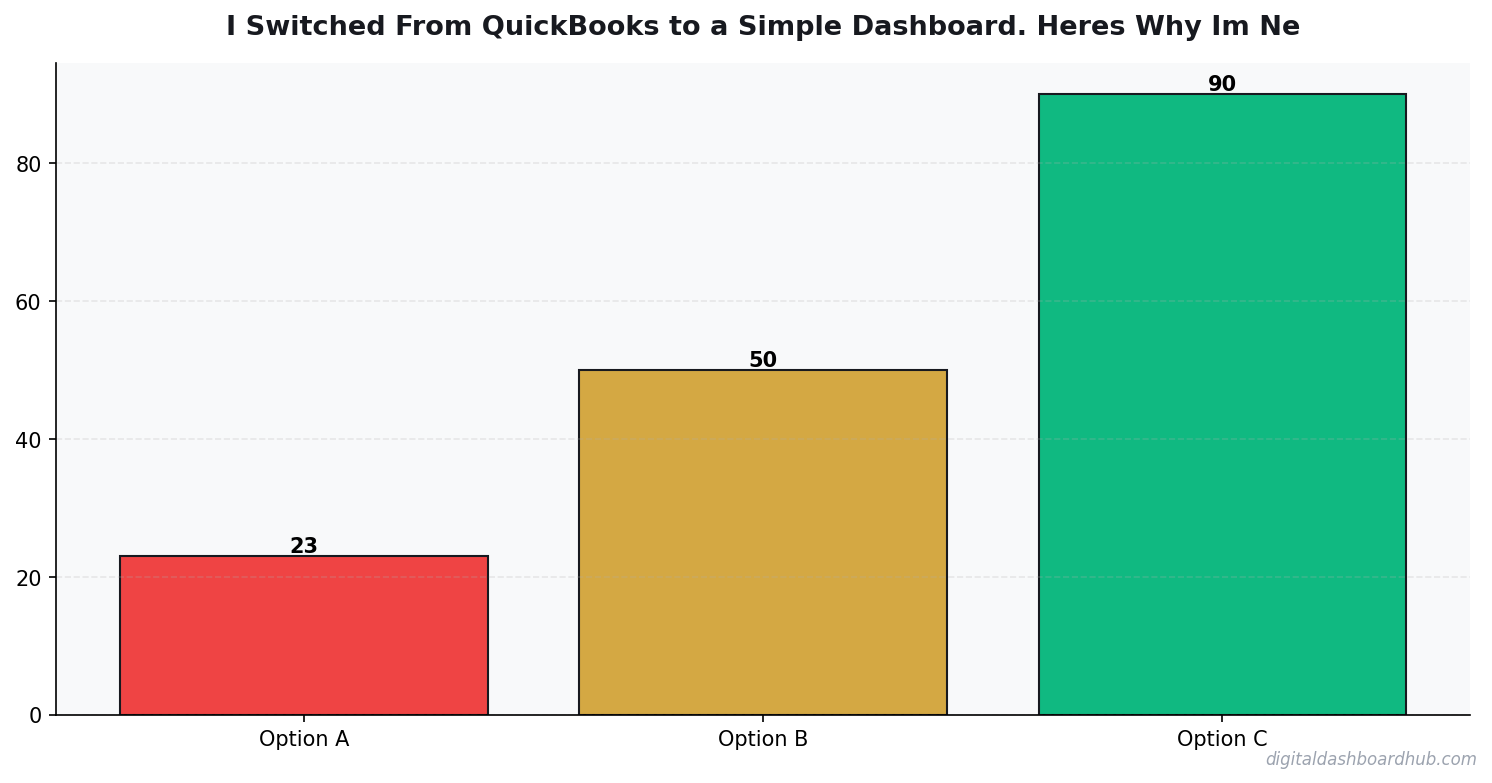
After a month of testing alternatives, I landed on a visual dashboard approach and haven’t looked back. Here’s the side-by-side:
The right-fit tool does fewer things but does them better for my use case. I don’t need invoicing — I use Stripe. I don’t need payroll — it’s just me. I don’t need inventory — I sell services and digital products. Every feature I don’t need is clutter that makes the tool harder to use.
How the DDH Dashboard Changed My Financial Awareness
This is the part I didn’t expect. When I switched to the DDH financial dashboard, I started checking my numbers daily instead of twice a month. Not because I’m more disciplined — because the dashboard is designed to be glanced at in 30 seconds.
The main screen shows four numbers: revenue this month, expenses this month, net profit this month, and estimated quarterly tax owed. Four numbers, big and bold, updated in real time. Below that, a visual breakdown of expenses by category with color-coded bars. Below that, a trend line showing monthly revenue over the past 12 months.
With QuickBooks, getting to my monthly profit required navigating to Reports > Profit and Loss > Custom Date Range > Run Report. Four clicks and a date picker. With the dashboard, it’s the first thing I see when I open it. That difference — the number of steps between opening the tool and seeing the number — is the difference between checking daily and checking never.
The $400/Year I Got Back
Let’s do the actual math on the switch. QuickBooks Self-Employed: $36/month = $432/year. DDH Pro tier: $19/month = $228/year. Annual savings: $204. Not life-changing, but not nothing — especially when the cheaper tool is the one I actually use.
But the real savings came from what the dashboard showed me that QuickBooks buried. Within the first month, the expense category breakdown revealed I was spending $89/month on three overlapping project management tools. I consolidated to one. Monthly savings: $57. That’s $684/year in savings I wouldn’t have found if the data hadn’t been visually obvious.
The quarterly tax estimate also saved me money, but in the opposite direction. QuickBooks estimated my quarterly taxes, but the number was buried in a menu I rarely checked. The dashboard puts it front and center. I discovered I’d been underpaying by about $180/quarter, which would have resulted in a penalty at tax time. Avoiding that penalty saved me roughly $250.
Mid-Article Bonus: Why Visual Dashboards Beat Reports
There’s actual cognitive science behind this. Humans process visual information 60,000 times faster than text. A bar chart showing that 40% of your expenses are in one category communicates that information instantly. A row in a spreadsheet that says “$2,340.00 — Professional Services” requires you to calculate the percentage yourself and hold that number in working memory while you compare it to other rows.
QuickBooks generates reports. Dashboards show pictures. For a solopreneur who needs to make quick decisions — “Am I spending too much on software? Is my revenue trending up or down? Will I owe taxes this quarter?” — pictures win. Every time.
This isn’t a knock on QuickBooks. For a bookkeeper preparing financial statements for a multi-employee business, reports are the right format. For a solo freelancer trying to understand where their money goes, visual dashboards are the right format. Different users, different needs, different tools.
What I Miss About QuickBooks (Honestly)
The bank connection was seamless. QuickBooks connects to your bank and pulls transactions automatically. The dashboard I use now requires more manual input, though the mobile receipt capture makes it less painful than full manual entry.
I also miss the mileage tracker. QuickBooks Self-Employed had a GPS-based mileage tracker that automatically logged business trips. It was genuinely useful and something I now handle with a separate free app.
And the accountant integration was nice. My CPA could log into my QuickBooks directly and pull what she needed for my return. Now I export a CSV and email it. It takes an extra five minutes, once a year. Survivable.
When QuickBooks IS the Right Choice
I’m not anti-QuickBooks. I’m anti-paying-for-tools-you-don’t-use. QuickBooks is the right choice if you have employees (you need payroll), you invoice clients regularly (you need the invoicing system), you carry inventory (you need inventory management), or your accountant specifically requires QuickBooks access.
If any of those apply, QuickBooks Online (the full version, not Self-Employed) is probably worth the $30-$90/month. It’s a powerful tool that does a lot of things well. The issue is when solopreneurs pay for power they never use.
The decision framework is simple: list the features you actually use in your current financial tool. If you use fewer than 5 features, you’re probably overpaying for complexity. If you use more than 10, you probably need QuickBooks or something at that level.
The Switch Process: How I Did It Without Losing Data
Switching financial tools sounds scary because of data migration. What I found was I actually did, and it took about an hour total:
First, I exported my last 12 months of transactions from QuickBooks as a CSV. This is your safety net — you’ll always have the historical data regardless of what tool you use going forward. Then I set up my categories in the new dashboard, matching my QuickBooks categories so my historical data and new data would be comparable.
I didn’t import old data into the new tool. I started fresh with the new year. Old data lives in the CSV and in QuickBooks (which you can access for 12 months after cancellation with a read-only account). New data goes in the dashboard. Clean break, no messy migration.
The entire process took less time than I’d spent trying to figure out one QuickBooks report that kept showing the wrong numbers.
Six Months Later: The Verdict
Six months after the switch, here’s where I stand. I check my finances daily instead of biweekly. I caught $684 in unnecessary subscriptions. I avoided a $250 tax underpayment penalty. I save $204/year on the tool itself. And most importantly, I actually understand my business finances — not because I learned accounting, but because the tool speaks my language instead of an accountant’s language.
The best financial tool isn’t the one with the most features. It’s the one you actually open.
What to Do Now
Step 1: Log into your current financial tool and count how many features you’ve used in the past 30 days. If it’s fewer than 5, you’re paying for complexity you don’t need.
Step 2: Export your transaction history as a CSV. This takes 2 minutes and ensures you never lose historical data regardless of what you switch to.
Step 3: Try the DDH financial dashboard free and see if visual simplicity clicks for your brain the way it clicked for mine. Setup takes 15 minutes, and you can run it alongside your current tool until you’re confident in the switch.
Continue Learning
- Freelancer Finance Dashboard: Income, Taxes, and Cash Flow
- Freelancer Tax Guide 2026
- The Side Hustle Tax Trap: Track Every Dollar
Keep reading (related guides):
255+ interactive tools for your money, time, and health.
14 days free · No charge today · 2-click cancel

Andy Gaber is the founder of Digital Dashboard Hub, a suite of 255+ interactive financial, productivity, and wellness tools. He built DDH after getting frustrated with financial apps that gave outputs without context. Follow along for tool tutorials, revenue analytics breakdowns, and honest takes on personal finance.