business“>You Don’t Need Enterprise Software to Track a $80K Business
The dashboard below loads instantly in your browser. Plug in your numbers, see your answer. No signup to try the basics.
Somewhere along the way, QuickBooks became the default answer to every small business accounting question. Need to track freelance income? QuickBooks. Running a food truck? QuickBooks. Selling candles on Etsy? Somehow, also QuickBooks. It’s like recommending a commercial kitchen to someone who needs to boil water.
The reality is that most small business owners — especially solopreneurs and side hustlers — are paying $30-$80/month for features they’ll never touch. Let’s look at what’s actually out there in 2026 and match you to the right tool for your actual business.
The 8 Best Accounting Apps in 2026
I’ve used or tested all of these. Here’s the honest breakdown:
Feature-by-Feature Comparison
The features that actually matter for small businesses:
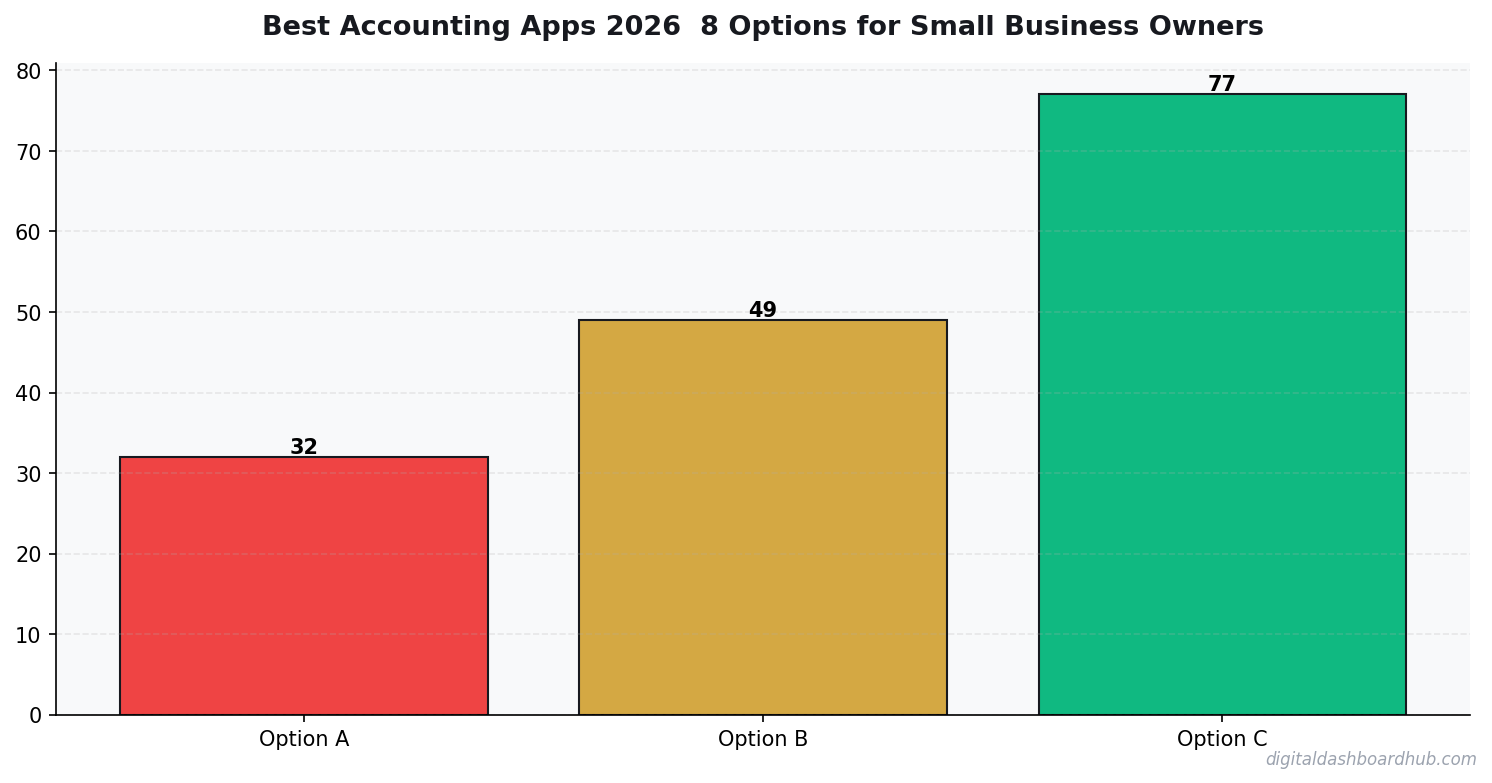
My Honest Take on Each
QuickBooks Online: The industry standard, and your CPA will love you for using it. But at $30/month for the basic plan (which doesn’t include bill pay, inventory, or time tracking), you’re paying a premium for the name. Best if your accountant specifically requests it.
FreshBooks: The best invoicing experience of any accounting app. If you’re a freelancer or service business that bills clients regularly, FreshBooks is genuinely pleasant to use. The accounting features are lighter than QuickBooks, but for most solos, that’s actually a feature, not a bug.
Wave: The free option that’s actually good. Full accounting, invoicing, and receipt scanning at no cost. They make money on payment processing (2.9% + $0.60 per credit card transaction) and payroll. The catch: limited customer support and no phone line. If you can self-serve, this is the best deal in accounting software.
Xero: My personal favorite for growing businesses. The interface is cleaner than QuickBooks, the pricing is more straightforward, and the add-on ecosystem is massive. Strong in international markets. The $15/month starter plan has real limitations though — only 20 invoices per month.
Zoho Books: Underrated. Free for businesses under $50K revenue, and the paid tiers are cheaper than QuickBooks. If you’re already using Zoho CRM or Zoho Projects, the integration is seamless. Weakest link: the mobile app needs work.
Not sure which app fits your business size? Our business finance dashboards give you visual expense tracking, revenue projections, and tax estimates — a perfect complement to your accounting app, or a standalone approach if spreadsheets are more your speed.
When You Don’t Need Accounting Software at All
Controversial opinion: if you’re a solopreneur making under $50K/year with simple finances (no inventory, no payroll, no international transactions), you might not need accounting software. What you need is:
- A system to categorize expenses by IRS category
- A way to track income sources
- Quarterly tax estimate calculations
- A clean export for your tax preparer
A well-built spreadsheet or a visual dashboard can handle all of that. Full accounting software solves problems you might not have yet — double-entry bookkeeping, accounts receivable aging, balance sheets. These matter when you have employees, investors, or a business loan. They don’t matter when it’s just you and a laptop.
How to Pick the Right App for Your Business
- Solo freelancer, simple taxes: Wave (free) or DDH Finance Dashboard ($9/mo)
- Service business sending 10+ invoices/month: FreshBooks ($19/mo)
- Growing business with inventory or payroll: Xero ($15-$78/mo) or QuickBooks ($30-$200/mo)
- Already in the Zoho ecosystem: Zoho Books (free-$70/mo)
- Your CPA insists: QuickBooks. Don’t fight it. Compatibility with your accountant matters more than features.
Try This Today
- Ask your CPA what they prefer. Seriously. If they’re set up for QuickBooks, using Xero creates friction during tax season that costs you money in billable hours.
- Start with free. Try Wave or Zoho’s free tier for 30 days. If it handles everything you need, stop looking. Don’t pay for features you won’t use.
- Separate tracking from accounting. Use your accounting app for compliance (taxes, CPA reports) and a visual dashboard for daily decision-making. They solve different problems.
Over 200 business owners use Digital Dashboard Hub alongside their accounting apps for visual, at-a-glance financial tracking. Start your free trial and see your numbers the way your brain actually processes them.
What the Right Accounting App Actually Saves You
The pitch for accounting software is usually about tax time. That’s the least interesting reason to use it. The real value is what you see during the year that you couldn’t see before.
A restaurant owner I talked to switched from a spreadsheet to a proper accounting app mid-year. Within 60 days, she identified that her Tuesday lunch service was consistently running at 4% lower food cost than the rest of the week — because she ran specials that used inventory more efficiently. She scaled that approach to Thursdays and recovered $1,800/month in margin. That insight was always in her data. The accounting app just made it visible in real time instead of at tax time.
The right accounting app pays for itself the first time it shows you something you would have otherwise missed. At $30–$50/month, that’s a pretty low bar to clear.
The Feature That Separates Good From Great Accounting Apps
Bank reconciliation automation. Not all apps do this well. Some still require manual matching of transactions, which defeats much of the purpose. Before committing to any accounting app, test the bank connection with your actual bank — not a demo account. Some connections are read-only, some sync daily, some sync in near-real-time. The difference between daily and real-time sync matters if you’re managing cash flow closely.
The second differentiator: the quality of the mobile receipt capture. If you have a business where expenses happen outside the office — contractors, food service, retail — a bad mobile receipt experience means receipts pile up and get logged in batches, which destroys the real-time visibility the app is supposed to provide. Test receipt capture on day 1. If it’s clunky, the app won’t stick.
When You Actually Need a Real Accountant vs. Just Software
Software handles bookkeeping well. It doesn’t replace a CPA’s judgment on tax strategy, entity structure decisions, or multi-state nexus issues. The dividing line is roughly $150,000/year in gross revenue or any multi-entity or multi-state situation. Below that threshold, most small business owners can manage with software plus one annual CPA review. Above it, a quarterly CPA relationship pays for itself in tax savings and risk management.
Keep reading (related guides):
- Auto Mechanic Revenue: What Owners Make vs. What Youd Expect (2026)
- Boutique Revenue Calculator
- Free HVAC Business Revenue Calculator — Estimate Your Profit in 60 Seconds
- Pinterest Analytics Decoded: The Only Numbers That Actually Matter for Selling Digital Products
- Rent vs. Buy Calculator 2026: The True Cost of Each Option (Real Numbers)
255+ interactive tools for your money, time, and health.
Full dashboard access · Stripe-secure checkout · Cancel anytime
Keep Reading
- Freelancer Finance Dashboard: Track Income, Taxes, and Cash Flow
- Freelancer Tax Guide 2026: What to Track All Year
- The Side Hustle Tax Trap: Track Every Dollar
Common Questions About Best Accounting Apps 2026: 8 Options for Small Business Owners
How long does it take to see results?
Most people see meaningful progress within 30-90 days when they apply these strategies consistently. The key is tracking your numbers from day one so you have a baseline to measure against.
What’s the biggest mistake people make?
Trying to do everything at once. Pick one or two strategies from this guide, implement them fully, then layer in additional tactics. Spreading yourself thin is the fastest way to see no results from any of it.
Do I need special tools or software?
Not necessarily to start — but the right tools eliminate hours of manual work. Our free calculators and trackers at Digital Dashboard Hub are a good starting point before you invest in paid software.

Andy Gaber is the founder of Digital Dashboard Hub, a suite of 255+ interactive financial, productivity, and wellness tools. He built DDH after getting frustrated with financial apps that gave outputs without context. Follow along for tool tutorials, revenue analytics breakdowns, and honest takes on personal finance.