# The Etsy Seller's Dashboard: How to Track Your Shop Like a Pro (Without Spreadsheet Overwhelm)
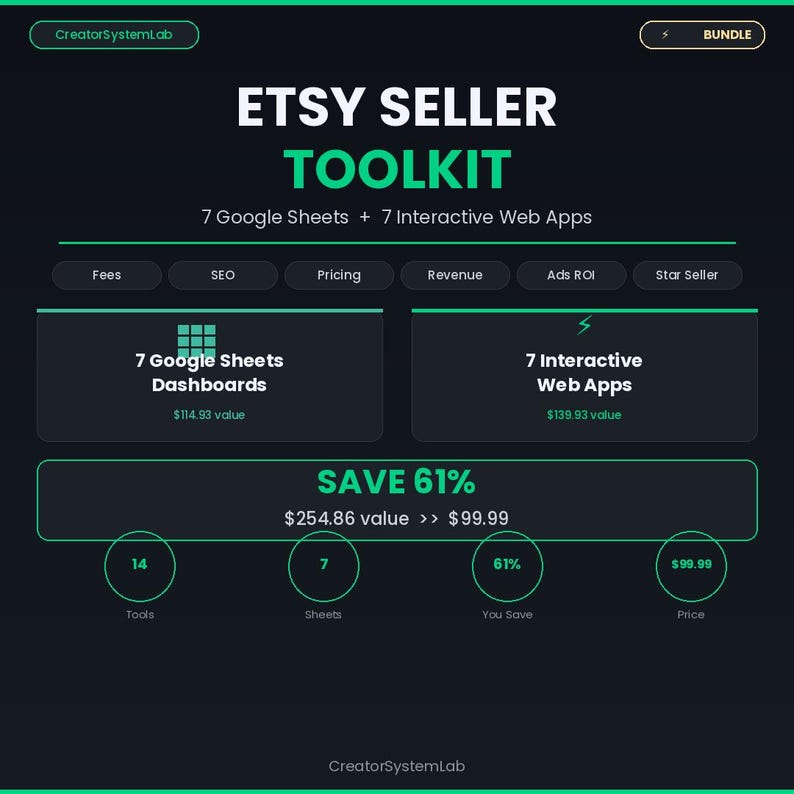
Etsy Seller Toolkit
14 spreadsheets & web apps for Etsy sellers — fees calculator, SEO tracker, pricing tool & more
---
Let me guess: you have an Etsy shop, you've been at this for a while, and somewhere in your Google Drive there's a spreadsheet graveyard. Half-built trackers. Revenue logs that lasted two weeks. An ad spend sheet you set up in January and haven't touched since March.
You KNOW you should be tracking your numbers. Every successful seller talks about "knowing your data." But every time you sit down to build a system, you get lost in the weeds — what metrics actually matter? What's just vanity data? How do you track 50+ listings without spending more time on spreadsheets than on actually running your shop?
I run Etsy shops. I've lived this exact problem. And after burning way too many hours on tracking systems that were either too simple to be useful or too complex to maintain, I'm going to save you the trial and error.
This guide covers the exact metrics that move the needle for Etsy sellers, how to set up a tracking system that takes 10 minutes a week instead of 10 hours, and the mistakes that keep sellers drowning in data without actually learning anything from it.
## The Metrics That Actually Matter (And the Ones That Don't)
Here's the thing about Etsy data: the platform gives you a LOT of numbers. Shop stats, search analytics, listing quality scores, conversion rates, traffic sources, Star Seller metrics, ad performance — the dashboard is a firehose. Most sellers either ignore all of it (bad) or try to track all of it (also bad, because you burn out in a week).
You need to know which numbers drive revenue and which numbers are interesting but irrelevant to your bottom line.
### Tier 1: Track These Weekly — They Drive Your Revenue
Conversion Rate (by listing): This is your most important number, full stop. Etsy's algorithm favors listings that convert. A listing with 100 visits and 3 sales (3% conversion) will get pushed higher in search than a listing with 500 visits and 5 sales (1% conversion). Your conversion rate tells you whether your listing photos, title, price, and description are doing their job.
A healthy Etsy conversion rate sits between 1-5% depending on your niche. Digital products often convert at 3-7% because there's no shipping hesitation. If a listing is getting traffic but not converting, that's not a traffic problem — it's a listing quality problem. Fix the photos, adjust the price, or rewrite the description.
Revenue per listing: Not all listings are created equal. In most Etsy shops, 20% of listings generate 80% of revenue. You need to know which listings those are so you can clone their approach, create variations, and push more traffic to them through ads and social media.
Return on Ad Spend (ROAS): If you're running Etsy Ads, your ROAS is the ratio of revenue generated to ad dollars spent. A ROAS of 4x means you're making $4 for every $1 in ad spend. Below 2x, your ads are probably unprofitable once you factor in Etsy fees and product costs. Above 5x, you should consider increasing your ad budget on that listing.
Most sellers throw $5-$10/day at Etsy Ads and never look at which listings are eating the budget and which are actually converting. That's like running a restaurant and not knowing which menu items make money.
Star Seller Score: Etsy's Star Seller badge directly impacts search visibility and buyer trust. The three components — 95%+ message response rate within 24 hours, 95%+ on-time shipping (or instant delivery for digital products), and 4.8+ average review rating — are each worth tracking individually so you can catch a dip before it costs you the badge.
### Tier 2: Track These Monthly — They Shape Your Strategy
Traffic sources: Where are your visitors coming from? Etsy search, direct traffic, social media, Etsy Ads, or external sources like Pinterest and Google? This tells you where to invest your marketing energy.
Listing quality score (estimated): Etsy doesn't publish an explicit listing quality score, but you can infer it from your search ranking, click-through rate, and conversion rate.
Average order value (AOV): How much does each customer spend? If your AOV is $14 and your competitor's is $35, they're generating the same revenue with less than half the transactions.
Review velocity: How quickly are you accumulating reviews? On Etsy, reviews are social proof that directly impacts conversion rates.
### Tier 3: Check These Quarterly — They Prevent Slow Declines
Fee percentage: Etsy fees (listing fees, transaction fees, payment processing, ads) can eat 20-30% of your gross revenue if you're not careful.
Listing renewal ROI: Every listing costs $0.20 to renew, and listings auto-renew every 4 months.
Competitor pricing shifts: Your niche competitors are constantly adjusting prices, adding new products, and testing promotions.
## Setting Up Your Tracking System (The 10-Minute-a-Week Method)
Here's where most sellers overcomplicate things. You do NOT need a 15-tab spreadsheet with automated API pulls and pivot tables. You need a simple, repeatable system that captures the right numbers and shows you trends over time.
### The Weekly Check-In (10 minutes, every Monday)
Pull these numbers from your Etsy Shop Manager and log them:
Shop-level: Total revenue, total orders, total visits, overall conversion rate, ad spend, ad revenue.
Top 5 listings: Revenue, visits, conversion rate, and ad spend for your five best-performing listings.
Bottom 5 listings: Same metrics for your five worst performers. These are your intervention candidates.
Star Seller: Current scores for each of the three metrics.
### The Monthly Deep Dive (30 minutes, first Monday of the month)
Traffic source breakdown: What percentage came from each source? How has it shifted from last month?
New vs. returning customers: Is your business growing from new buyers or repeat customers?
Review audit: How many new reviews this month? Any negative reviews that need response?
Listing performance sort: Rank all listings by revenue. Identify your winners (top 20%), your middle performers, and your dead weight (bottom 20% with zero sales in 30+ days).
### The Quarterly Strategy Session (60 minutes)
What products should I create more of? What products should I retire? Are my prices right? Is my ad spend allocated correctly? What's my next growth lever?
## The 5 Mistakes That Keep Etsy Sellers Drowning in Data
### Mistake 1: Tracking Everything, Analyzing Nothing
You have a beautiful spreadsheet with 47 columns and 6 months of data. You've never once used it to make a decision. Data without action is just record-keeping.
### Mistake 2: Comparing Yourself to the Wrong Benchmarks
A seller with 500 listings and 3 years of reviews lives in a different universe than a seller with 30 listings in their first year. Compare yourself to YOURSELF — last month, last quarter.
### Mistake 3: Ignoring Etsy Fees in Profitability Calculations
Your listing shows $19.99 revenue. But after fees, your actual take-home is closer to $17.50. Track NET revenue, not gross.
### Mistake 4: Not Tracking Ad Spend at the Listing Level
If you're not checking which listings are consuming your budget and what ROAS each one is generating, you could be burning 80% of your ad budget on listings that don't convert.
### Mistake 5: Building a Tracking System So Complex You Abandon It
Your tracking system should be so simple that you'd feel silly NOT doing it. Start with the 10-minute weekly check-in.
## Tools Built Specifically for Etsy Sellers
The Etsy Shop Revenue Dashboard (https://www.etsy.com/listing/4473104307/etsy-shop-revenue-dashboard-sales) gives you a complete shop analytics system with per-listing revenue tracking.
The Etsy Star Seller Score Tracker (https://www.etsy.com/listing/4473112730/etsy-star-seller-score-tracker-metric) monitors all three badge criteria in one view.
The Etsy Shop Launch Planner (https://www.etsy.com/listing/4473114048/etsy-shop-launch-planner-week-by-week) maps out the entire process week by week.
The Digital Product Pricing Calculator (https://www.etsy.com/listing/4472922216/digital-product-pricing-calculator) helps you find the right price point.
The Business Expense Tracker (https://www.etsy.com/listing/4474041699/business-expense-tracker-tax-deduction) keeps all your expenses organized by category.
The Small Business Dashboard (https://www.etsy.com/listing/4472968543/small-business-dashboard-google-sheets) provides a comprehensive Google Sheets dashboard.
The A/B Test Results Analyzer (https://www.etsy.com/listing/4474046844/ab-test-results-analyzer-statistical) tracks your experiments with statistical rigor.
## The One Thing That Separates Successful Sellers From Everyone Else
Every Etsy seller has access to the same platform, the same tools, the same search algorithm. The sellers who scale are the ones who make decisions based on data instead of gut feeling.
You don't need to become a data analyst. You need 10 minutes a week, the right metrics, and a system simple enough that you'll actually use it.
## Your Next Step
This week, pull up your Etsy Shop Manager and write down these five numbers: total revenue, total visits, conversion rate, ad spend, and ROAS. That's your baseline. Next week, do it again. Compare. That's tracking.
If you want a system that does the organizing for you, grab the Etsy Shop Revenue Dashboard (https://www.etsy.com/listing/4473104307/etsy-shop-revenue-dashboard-sales) and start plugging in your real data today.
---
### Grab Your Free Etsy Seller KPI Cheat Sheet
Want a one-page reference of exactly which metrics to track, how often, and what action to take when each one moves? We put together a free Etsy Seller KPI Cheat Sheet.
Grab the Free Etsy Seller KPI Cheat Sheet (#signup) — No spam, just the cheat sheet delivered straight to your inbox.
---
This article reflects the author's experience running multiple Etsy shops and is for informational purposes only. Etsy's platform, fees, and algorithm are subject to change. Always verify current Etsy policies and fee structures in your Etsy Shop Manager.