Tax season hits and you’re doing the thing again — digging through a shoebox of crumpled receipts, scrolling through six months of bank statements, trying to remember whether that $47.83 charge at Office Depot was for business supplies or your kid’s school project. Your accountant sends their annual “please organize your expenses” email, and your stomach drops because “organized” is the last word that describes your financial records.
This isn’t just stressful. It’s expensive. The IRS estimates that small business owners miss an average of $5,000 to $10,000 in legitimate deductions every year simply because they don’t have adequate records. That’s real money — money you earned and are entitled to deduct — disappearing because your expense tracking system is a combination of memory, hope, and occasional panic.
A note on this article: I’m Andy, the founder of Digital Dashboard Hub. I built these tools because I kept running into the same financial blind spots — and I couldn’t find anything that actually showed me the real numbers. Everything here reflects the patterns I see from DDH users and my own experience building financial dashboards.
There’s a better way, and it doesn’t require you to become an accountant or spend hours every week categorizing transactions. Modern expense tracking systems do the heavy lifting for you — but only if you set them up correctly from the start.
Why Most Small Business Owners Fail at Expense Tracking
Let’s be honest about the problem before we solve it.
The “I’ll Deal With It Later” Trap
The single biggest expense tracking failure mode is procrastination. A receipt comes in. You think “I’ll log that later.” Later never comes. By the time tax season arrives, you have twelve months of untracked expenses and a deadline breathing down your neck.
This isn’t a character flaw — it’s a design problem. If your tracking system requires active effort for every transaction, it’s fighting against human nature. The approach isn’t more discipline. It’s a system that requires less discipline.
The Category Confusion Problem
Is your phone bill a “utilities” expense or a “communication” expense? Does the coffee you bought while meeting a client count as “meals and entertainment” or “business development”? What about the portion of your home internet bill that’s used for work?
Tax categories are specific, and getting them wrong can mean missed deductions or, worse, audit flags. Without clear categorization guidelines built into your tracking system, every expense becomes a decision — and decision fatigue leads to avoidance.
The Personal-Business Blur
If you’re running a small business, especially a freelance or solopreneur operation, the line between personal and business expenses gets blurry fast. Your phone is both personal and business. Your car is both personal and business. Your home office is literally inside your home. Without a clean system for separating and allocating these mixed-use expenses, you’re either leaving deductions on the table or creating audit risk.
The Tax-Ready Expense Tracking Framework
Here’s a system that works with your brain instead of against it, keeps your records audit-ready year-round, and ensures you capture every legitimate deduction.
Principle 1: Capture Everything, Categorize Later
The most important moment in expense tracking is the moment of capture. Every business expense needs to be recorded as close to the transaction time as possible. But here’s the key insight: you don’t need to categorize it perfectly in that moment. You just need to capture the amount, the vendor, and a quick note about what it was for.
Perfect categorization can happen weekly or monthly during a dedicated review session. But if the expense isn’t captured at all, no amount of categorization time will recover it.
Principle 2: Use the IRS Categories From Day One
The IRS has specific expense categories for Schedule C (the form most sole proprietors and single-member LLCs use). Aligning your tracking categories with these from the start means tax preparation is essentially just printing a report rather than re-categorizing twelve months of data.
The key Schedule C categories include: advertising and marketing expenses, car and truck expenses (with mileage tracking), contract labor and subcontractors, insurance premiums (business-related), office supplies and expenses, professional services (legal, accounting), rent or lease payments, travel expenses, meals (50% deductible in most cases), utilities and phone, and home office deduction (if applicable).
Principle 3: Receipts Are Non-Negotiable
For any expense over $75 (and ideally for everything), you need a receipt. Digital photos of receipts are perfectly acceptable for IRS purposes — you don’t need to keep paper. But you do need the receipt to include the date, amount, vendor name, and what was purchased. A bank statement alone isn’t sufficient for audit documentation.
Principle 4: Separate Business and Personal Finances
If you haven’t already, open a dedicated business bank account and business credit card. Run all business transactions through these accounts. This single step eliminates the personal-business blur problem and gives you a clean transaction feed to work with.
Setting Up Your Expense Tracking System
| Tracking Method | Setup | Data Quality | Doctor-Shareable? | Best For |
|---|---|---|---|---|
| Paper journal | Immediate | Inconsistent | Sometimes | Low-tech preference |
| Generic health app | 5 min | Medium | Export only | Basic logging |
| DDH Symptom Tracker | 5 min | High (structured fields) | Yes — generates patterns | Chronic conditions, complex symptom tracking |
Step 1: Define Your Expense Categories
Start with the IRS Schedule C categories listed above, then add sub-categories specific to your business. A freelance designer might add “software subscriptions” and “stock images.” A consultant might add “conference attendance” and “professional development.” A food truck owner might add “ingredients” and “commissary rent.”
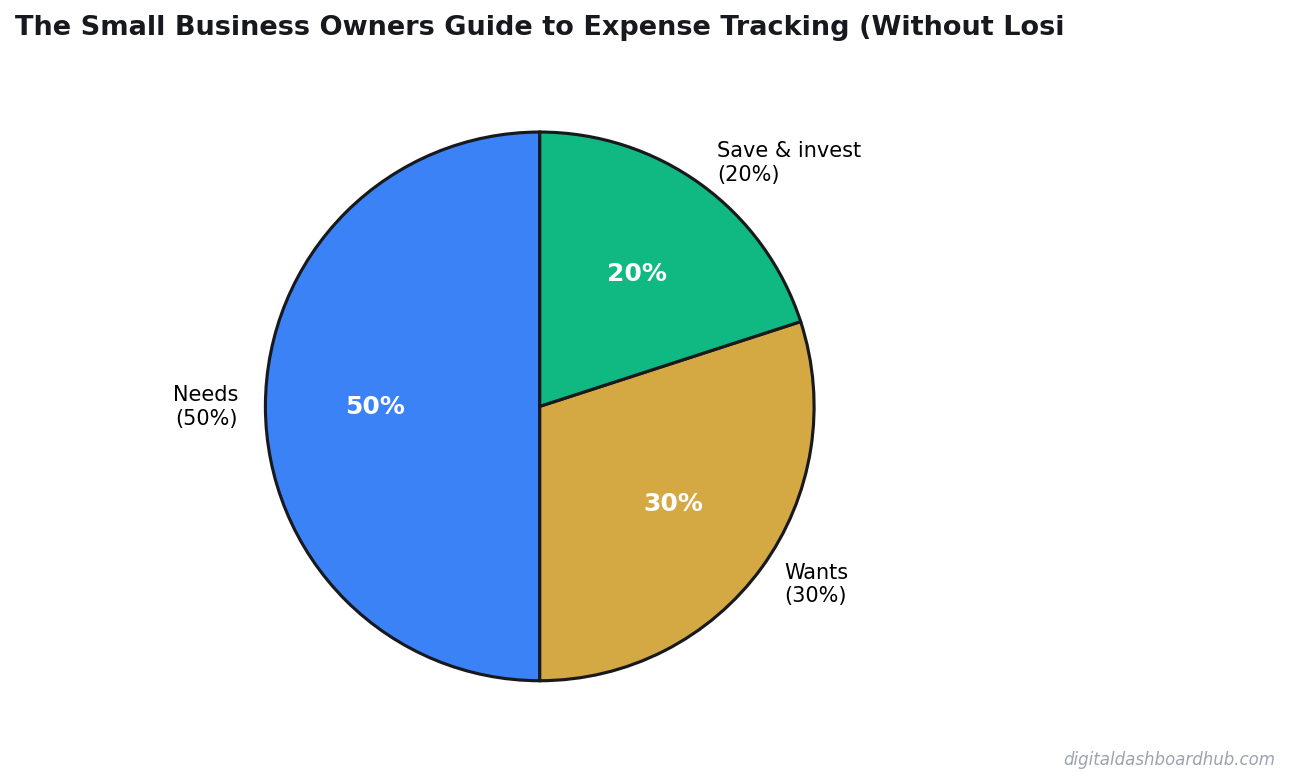
The goal is categories specific enough to be useful but broad enough that you don’t have twenty categories with one expense each.
Step 2: Establish Your Capture Workflow
The workflow needs to be dead simple or you won’t do it. Here’s the most reliable approach for most small business owners: use a dedicated expense tracking dashboard that lets you snap a photo of a receipt and tag the amount and category in under thirty seconds. Do this immediately after every purchase. Set a daily phone reminder at 8 PM to capture any expenses you missed during the day.
For recurring expenses (subscriptions, rent, insurance), enter these once and set them to auto-recur monthly. You should only need to manually capture variable expenses.
Step 3: Schedule Weekly Reviews
Every week — pick the same day and time — spend fifteen minutes reviewing your captured expenses. Verify categories are correct. Add any missing notes. Reconcile against your bank statement to catch anything you missed.
This weekly fifteen-minute habit replaces the annual forty-hour panic session that most small business owners go through before tax time. Fifteen minutes per week times fifty-two weeks is thirteen hours per year — a fraction of the time you’d spend scrambling in March.
Step 4: Monthly Reporting
At the end of each month, generate a summary report. This takes about five minutes with a good tracking system. Review your total spending by category, compare to previous months, and note any unusual expenses. This monthly pulse check helps you spot trends (is your advertising spend increasing? Are your supply costs creeping up?) and makes quarterly estimated tax payments much easier to calculate.
Step 5: Quarterly Tax Prep
If you make quarterly estimated tax payments (and most self-employed people should), your monthly summaries make this nearly effortless. Sum up three months of reports, apply your estimated tax rate, and write the check. Your accountant will appreciate you.
Deductions Most Small Business Owners Miss
Good tracking reveals good deductions. Here are the most commonly missed ones.
Home Office Deduction
If you have a dedicated space in your home used exclusively for business, you can deduct a portion of your rent/mortgage, utilities, insurance, and maintenance. The simplified method allows $5 per square foot up to 300 square feet ($1,500 max). The actual expense method requires tracking real costs but often yields a larger deduction.
Vehicle Expenses
You have two options: the standard mileage rate (currently 70 cents per mile for 2026) or actual expenses (gas, insurance, maintenance, depreciation). Track your mileage regardless — the standard rate is simpler and often more favorable for vehicles that aren’t brand new.
Professional Development
Courses, books, conferences, coaching, certifications — anything that improves your skills in your current business is deductible. That online course you bought? Deductible. The business books on your shelf? Deductible. The conference you attended? Deductible, including travel costs.
Software and Subscriptions
Every software tool you use for business is deductible. This includes your project management tool, your design software, your email marketing platform, your website hosting, your accounting software, and yes, your expense tracking tool. These small monthly charges add up to significant annual deductions.
Banking and Payment Processing Fees
Credit card processing fees, PayPal fees, Stripe fees, monthly bank fees — all deductible. These are easy to forget because they’re small per-transaction, but they add up fast. A business processing $100,000 in credit card sales annually might pay $2,500 to $3,000 in processing fees. That’s a meaningful deduction.
The Cost of Poor Expense Tracking
Let’s put real numbers on what bad tracking costs you.
If you miss $8,000 in legitimate deductions (a conservative estimate for most small businesses) and you’re in the 22% tax bracket, that’s $1,760 in unnecessary federal taxes alone. Add state taxes and self-employment tax, and you could be overpaying by $2,500 or more every year.
Over five years, that’s $12,500 in taxes you didn’t need to pay. Over ten years, invested at a modest 7% return, that overpayment costs you nearly $35,000 in lost wealth. All because your expense tracking system was a shoebox of receipts.
Building a Tax-Ready Dashboard
The ideal expense tracking system gives you a real-time view of your business spending with drill-down capability by category, time period, and vendor. It should auto-calculate your estimated quarterly tax obligation, flag expenses that need receipts, and generate reports that your accountant can import directly.
The Business Expense Tracker on Digital Dashboard Hub was built specifically for solopreneurs and small business owners who need professional-grade expense tracking without the complexity of enterprise accounting software. Categorize expenses using IRS-aligned categories, snap receipt photos, generate tax-ready reports, and see your real-time spending dashboard — all from any device.
Your financial data tells a story. At tax time, you want that story to be organized, complete, and working in your favor.
Ready to stop dreading tax season? Try the Business Expense Tracker free for 14 days at app.digitaldashboardhub.com/signup — no credit card required. Your accountant (and your bank account) will thank you.
Related articles: How to Calculate Your Freelance Rate, Small Business Finance Basics, The Etsy Seller’s Dashboard
Get Free Finance Tools & Resources
Join our newsletter for exclusive templates, calculators, and expert tips delivered weekly.
Disclaimer: This article is for informational purposes only and does not constitute professional advice. Always consult with a qualified professional for your specific situation.
Keep reading (related guides):
- Free Sinking Fund Calculator — Try It Now
- Free Menopause Symptom Tracker — Try It Now
- Nervous System Regulation Tracker: The Visual Dashboard That Helps You Understand Your Bodys Stress Signals
- I Owed $47,000 in Taxes and Had $11,000 in the Bank: How I Rebuilt My Freelance Finances From the Ground Up
- Business Expense Tracker: Categorize and Export for Tax Time
255+ interactive tools for your money, time, and health.
Full dashboard access · Stripe-secure checkout · Cancel anytime

Andy Gaber is the founder of Digital Dashboard Hub, a suite of 255+ interactive financial, productivity, and wellness tools. He built DDH after getting frustrated with financial apps that gave outputs without context. Follow along for tool tutorials, revenue analytics breakdowns, and honest takes on personal finance.