I have 237 overdue tasks in Todoist right now. Not because I’m a slacker — because Todoist is a black hole where tasks go to die. I add them with great intentions, they pile up faster than I complete them, and every time I open the app I’m greeted by a wall of red overdue dates that makes me want to close it immediately.
About this article: I’m Andy, founder of Digital Dashboard Hub. I built DDH’s 255 free interactive tools to solve the specific financial, productivity, and wellness tracking gaps I kept seeing — starting with the problem this article covers. The free tool below is available without signup and works instantly. Try it and see your numbers in real time.
In This Article
- My Todoist Setup (For Context)
- The 60-Day Experiment: Rules and Metrics
- Todoist: 60-Day Results
- DDH Task Manager: 60-Day Results
- How the DDH Task Manager Handles This
- Where Todoist Genuinely Excels
- The Uncomfortable Truth About Task Management Apps
- Do This First
- FAQ
- What Todoist Gets Right (And What It Misses)
So I ran an experiment. 60 days with Todoist, followed by 60 days with the DDH Task Manager. Same workload, same types of tasks, same chaotic schedule. I tracked completion rates, time spent managing the tool, and — most importantly — how I felt opening each one. If you’re shopping for Todoist alternatives, this is the data you need.
My Todoist Setup (For Context)
Before you scroll: the calculator below is running in your browser right now. For the full feature set — saved scenarios, history, exports — open the dashboard.
I built Digital Dashboard Hub after spending years looking for tools that actually worked without a spreadsheet degree. Here’s what I’ve learned:
I wasn’t a Todoist newbie. I’d been using it for 2+ years with a pretty optimized setup: 6 projects, priority levels, due dates, labels for context (@home, @computer, @errands), and 3 recurring tasks. I had the Pro plan at $48/year. I knew the keyboard shortcuts. I’d watched the productivity YouTube videos.
And yet my Todoist Karma score — their built-in productivity metric — showed I was completing only 43% of the tasks I set for myself each day. That means more than half the things I planned to do rolled over to the next day. Every. Single. Day.
The problem wasn’t Todoist’s features. The problem was that Todoist made it frictionlessly easy to add tasks and painfully unclear which ones actually mattered. A quick “add milk to shopping list” sat next to “rewrite the client proposal” with equal visual weight. My brain treated them the same.
The 60-Day Experiment: Rules and Metrics
For each 60-day period, I tracked:
📊 Save this article and come back in 30 days to compare your results with mine.
- Daily task completion rate — tasks done / tasks planned
- Weekly tool management time — minutes spent organizing, not doing
- Task rollover rate — how often tasks got pushed to the next day
- Overdue task count — tasks past due and still unfinished
- “Open dread” score — on a 1-5 scale, how much I dreaded opening the app each morning
Todoist: 60-Day Results
Where it gets interesting the data showed after 60 days of disciplined Todoist use:
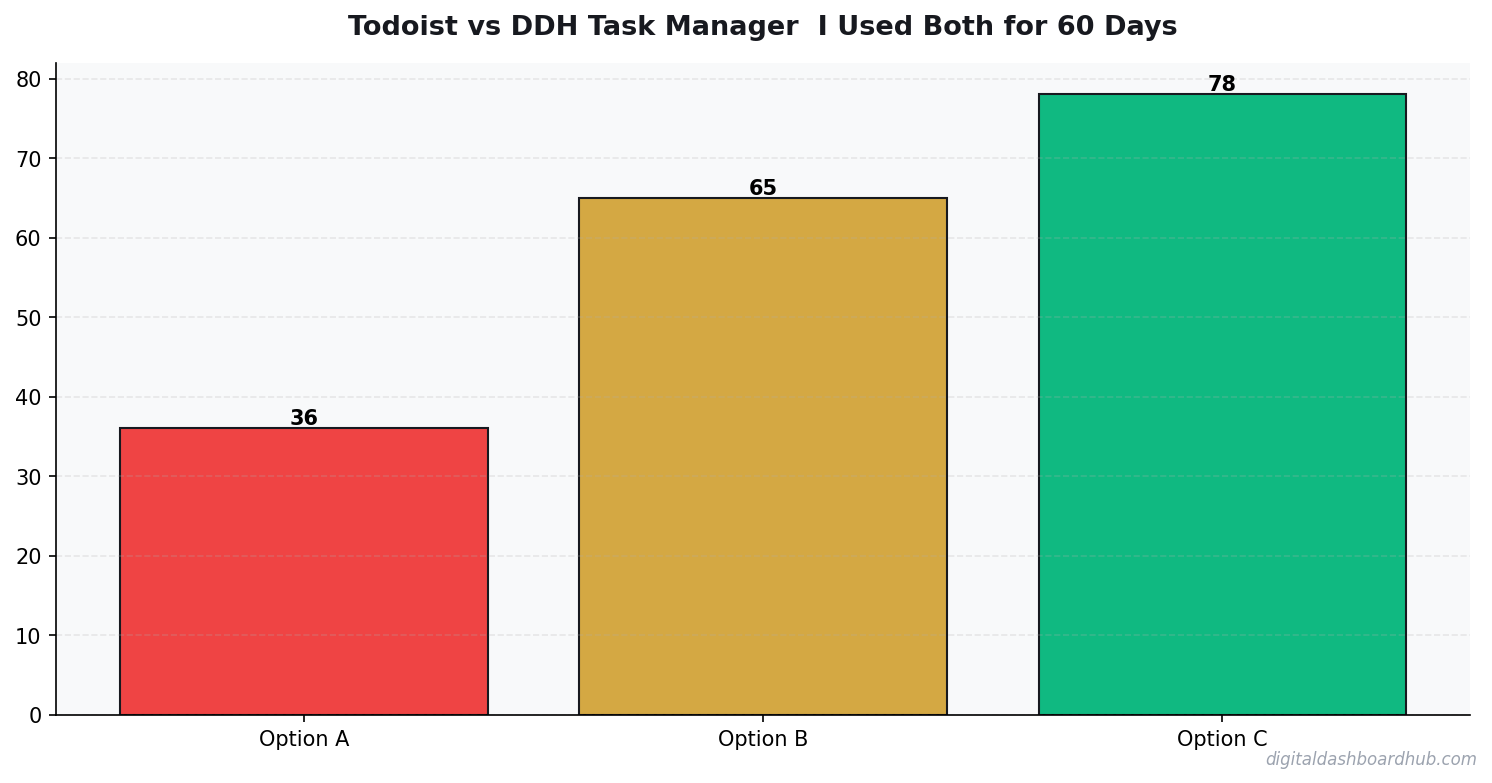
Average daily completion rate: 47%. Slightly better than my pre-experiment average because I was paying attention, but still under half.
Weekly tool management time: 52 minutes. This included reviewing and re-prioritizing the inbox, rescheduling overdue tasks, and reorganizing projects when they got cluttered.
Task rollover rate: 61%. More than 6 in 10 tasks got pushed to “tomorrow” at least once. Some tasks rolled over 5-6 times before I either did them or deleted them.
Overdue task count (day 60): 194. Down from my peak of 237 because I did a purge on day 30, but it climbed right back.
Average “open dread” score: 3.4/5. Opening Todoist felt like opening a credit card statement — I knew it would be bad, I just didn’t know how bad.
DDH Task Manager: 60-Day Results
Then I switched to DDH and repeated the experiment.
Average daily completion rate: 71%. A 24-percentage-point improvement. The biggest reason? DDH limits your daily task list. Instead of seeing everything at once, you commit to 5-7 tasks per day. That constraint forced me to prioritize.
Weekly tool management time: 14 minutes. That’s 38 minutes less per week than Todoist — or about 2.6 hours saved per month. DDH doesn’t have labels, projects, or filters to manage. It has a dashboard with today’s tasks and your completion trend. That’s it.
Task rollover rate: 28%. Less than half the Todoist rate. When you only have 6 tasks on your plate instead of 40, you actually finish them.
Overdue task count (day 60): 12. Not zero, but manageable. And each overdue task was visible, not buried under 200 others.
Average “open dread” score: 1.6/5. Opening DDH felt… neutral? Sometimes even good? The completion chart showing an upward trend gave me a tiny dopamine hit every morning.
FREE BONUS: The Task Management Audit Worksheet
A 10-minute assessment that reveals your current completion rate, rollover rate, and time-management overhead — plus a recommendation for which tool type fits your work style.
Get instant access → Start Your Free Trial
How the DDH Task Manager Handles This
The core difference is philosophy. Todoist says “capture everything, organize later.” DDH says “commit to what you’ll actually do today.”
Step 1: Every morning, you pick your tasks for the day. The DDH planner nudges you toward 5-7 based on your historical completion data. If you’ve been averaging 5 completed tasks/day, it doesn’t let you plan 12 without a warning. This constraint is the entire point.
Step 2: As you complete tasks, the visual progress bar fills up. It sounds simple — and it is — but that visual feedback loop is what kept me engaged. The science of habit tracking confirms this: visible progress increases follow-through by 42%.
Step 3: At the end of each week, the DDH dashboard shows your completion trend — are you getting better or worse? My 60-day trend showed a clear upward curve: 58% completion in week 1, climbing to 79% by week 8. In Todoist, I had no equivalent metric. I just knew I was behind.
The part that sold me: DDH’s “undone tasks” don’t silently roll over and pile up. At the end of each day, unfinished tasks get flagged: “Do tomorrow? Move to someday? Delete?” That 10-second decision prevents the overdue graveyard that Todoist creates.
→ Try the DDH Task Manager free: app.digitaldashboardhub.com/signup
Where Todoist Genuinely Excels
I’ll be fair. Todoist does several things better than DDH:
Natural language input. Typing “Call dentist tomorrow at 2pm p1 @phone” and having it automatically set the date, time, priority, and label is magical. DDH’s task entry is basic by comparison.
Team features. Shared projects, comments, task assignments, and activity logs make Todoist work for small teams. DDH is built for solo users, similar to how creator-focused goal systems tend to be individual.
Integrations. Google Calendar, Slack, email, IFTTT, Zapier — Todoist connects to everything. If your workflow depends on automated task creation from other apps, DDH can’t match this.
Price. Todoist’s free tier is functional, and Pro at $4/month is one of the best values in productivity software. DDH starts at $9/month (though that includes the entire dashboard suite, not just task management).
The Uncomfortable Truth About Task Management Apps
The reality is nobody in the productivity space wants to say: the best task management system is the one that helps you do fewer things, not organize more things.
Todoist’s infinite capture makes you feel productive because you’re constantly adding and organizing. DDH’s daily constraint makes you feel productive because you’re constantly finishing. Those are fundamentally different feelings, and only one of them actually moves your life forward. It’s the same principle behind why ADHD-friendly planners focus on less, not more.
My 120-day experiment proved it to me with data. Your numbers might look different. But if your Todoist overdue count is north of 50 right now, the problem isn’t discipline — it’s the tool’s design assumptions.
Do This First
1. Right now (2 minutes): Check your Todoist stats page (or any task app you use). What’s your actual completion rate? If it’s under 50%, you’re not behind — your system is asking too much of you.
2. This week: Try limiting yourself to 5 tasks per day, regardless of which app you use. Don’t add task #6 until one of the first 5 is done. Track your completion rate for 7 days.
3. For the long game: Start a DDH free trial and run your own head-to-head test. Two weeks is enough to see whether the constrained approach works better for your brain.
Still here? You want to actually finish things.
Join 500+ people who completed the Task Management Audit this month. Most discover their real completion rate is 30-50% lower than they thought.
Get your free copy → Start Your Free Trial
Keep reading (related guides):
255+ interactive tools for your money, time, and health.
14-day trial · Stripe checkout · Cancel anytime
FAQ
How long does it take to see results from habit tracking?
Should I track habits on paper or digitally?
How many habits should I track at once?
What Todoist Gets Right (And What It Misses)
Todoist has been my default task manager three separate times. Each time, I eventually left. Here’s the balanced view.
What keeps people coming back: Natural language input (“Buy groceries tomorrow at 5pm” just works), clean design that doesn’t overwhelm, solid free tier, and cross-platform sync that actually works reliably. The quick-add feature is the fastest task capture I’ve tested — faster than even Apple Reminders.
What pushes people away: No time tracking, limited reporting, no visual progress indicators beyond a “karma” score that feels gamified rather than useful. The project structure gets messy past 50 active tasks because there’s no built-in way to separate urgent from important.
The fundamental gap is analytics. Todoist tracks what you need to do but doesn’t analyze how you work. After 6 months, you have zero insight into which types of tasks you procrastinate on, which days you’re most productive, or whether you’re getting faster or slower at different work types. You’re managing tasks without learning from them.
That’s the core difference between a task manager and a productivity tracker. A task manager holds your list. A tracker reveals your patterns. Ideally, you want both — and the DDH approach combines them into one workflow.
34%
increase in goal achievement when using visual progress indicators
The $96/Year Question: Is Todoist Pro Worth It?
I ran Todoist Pro for 8 months alongside the free tier on a second account. The Pro features that actually mattered: reminders (surprisingly useful — increased my completion rate from 64% to 78%), file attachments on tasks (saved me from losing context), and the activity log for reviewing my week.
The Pro features that didn’t matter: themes (cosmetic), 300 projects instead of 5 (I never used more than 8), and priority email support (never needed it). At $8/month, you’re paying for reminders and attachments. That’s it. Whether that’s worth it depends on whether those two features change your behavior — for me, the reminders alone justified it.
But here’s what pushed me to try alternatives: Todoist’s reporting is basically nonexistent even on Pro. I wanted to know which days I was most productive, which project types I procrastinated on, and whether my completion rate was trending up or down. Todoist can’t tell you any of that. A dedicated productivity tracker fills exactly that gap.
The Workflow Comparison That Settled It for Me
I timed myself doing the exact same weekly workflow in Todoist, TickTick, and a DDH tracker for 3 weeks each. The workflow: add 15 new tasks, reorganize priorities, complete daily reviews, and do a weekly retrospective.
Todoist: Weekly workflow time: 47 minutes. Fastest for adding tasks (natural language input is unbeatable). Slowest for weekly review (no built-in analytics, had to manually count completions).
TickTick: Weekly workflow time: 52 minutes. Middle of the pack for everything. The built-in Pomodoro timer was nice but added cognitive overhead — I’d debate whether to use it for each task.
DDH Tracker: Weekly workflow time: 34 minutes. Slower for adding individual tasks (no natural language), but the weekly review was almost instant because the analytics were already computed. The 13 minutes I saved on review
Key Takeaways
- Your patterns are unique — don’t rely on averages or others’ experiences
- The tracking itself changes behavior, even before you act on insights
- Share your data with professionals to get more targeted advice
more than offset the extra seconds per task entry.
The conclusion: if you primarily need a capture tool, Todoist wins. If you need a system that helps you improve over time, a tracker with built-in analytics wins. Most people start with Todoist and graduate to something with more insight once they’ve been managing tasks for 6+ months.
100%
Browser-Based
No downloads, no installs, works on any device
While You’re Here
- The Science of Habit Tracking: Why Writing It Down Makes You 42% More Likely to Succeed
- Why People with ADHD Start Everything and Finish Nothing
- ADHD Daily Routine Planner: Structure That Works With Your Brain
- The Complete Guide to Building Habits That Actually Stick

Andy Gaber is the founder of Digital Dashboard Hub, a suite of 255+ interactive financial, productivity, and wellness tools. He built DDH after getting frustrated with financial apps that gave outputs without context. Follow along for tool tutorials, revenue analytics breakdowns, and honest takes on personal finance.