You’re scrolling through your Pinterest analytics dashboard and you see 50,000 impressions last month. Your heart rate picks up. That’s fantastic, right?
Not necessarily.
Here’s the hard truth: impressions are a vanity metric. They tell you how many people glanced at your pin while scrolling. But they don’t tell you anything about whether those people actually clicked through, saved your content, or—most importantly—bought your digital products.
If you’re selling digital products on Etsy and relying on Pinterest as a traffic source, you need to stop obsessing over vanity metrics and start tracking the numbers that actually move the needle on revenue.
This is exactly what separates sellers making consistent income from Pinterest versus those spinning their wheels with a high-traffic, zero-conversion strategy.
Why Most Sellers Are Reading Pinterest Analytics Wrong
Pinterest wants you to celebrate big impression numbers. It makes them look good. More impressions = more platform engagement = more advertiser appeal. But for you as a seller, that metric is largely meaningless without context.
Here’s what actually matters:
- Impressions (someone saw your pin in their feed)
- Profile visits (someone clicked to your profile)
- Total followers (quantity, not quality)
These numbers feel good, but they’re like counting how many people walked past your storefront window. Nice to know, but useless if nobody’s buying.
The real question isn’t “How many people saw my pin?” It’s “How many of those people took an action that could lead to a sale?”
The Metrics That Actually Drive Sales for Digital Product Sellers
If you’re serious about turning Pinterest traffic into Etsy revenue, focus on these four metrics obsessively:
1. Outbound Clicks (The Primary Metric)
This is your north star. Outbound clicks track how many people clicked your pin’s link and left Pinterest to visit your destination (your Etsy shop, landing page, or website).
Why it matters: Every outbound click is a potential customer journey. This number directly correlates to your revenue opportunity.
Benchmark for digital products: Healthy pins should see a CTR of 1-3%. If you’re getting 10,000 impressions and only 50 clicks, that’s a 0.5% CTR—and that pin needs optimization.
Action: Filter your Pinterest dashboard to sort pins by outbound clicks. Your top performers are your revenue generators. Double down on their design, wording, and promotion.
2. Click-Through Rate (CTR) – The Conversion Indicator
CTR is calculated as: (Outbound Clicks / Impressions) × 100 = CTR%
This is the metric that shows your pin’s persuasiveness. A pin with 5,000 impressions and 150 clicks has a 3% CTR. A pin with 5,000 impressions and 50 clicks has a 1% CTR. Same reach, vastly different effectiveness.
Why it matters: CTR reveals whether your pin design, copy, and thumbnail are compelling enough to make people click. It’s a direct measurement of relevance and appeal to your audience.
Digital product benchmark: Aim for 1-3% minimum. Top pins for digital products often hit 5-7% because the visual appeal + clear value proposition = action.
Action: Audit your lowest CTR pins. Are the graphics dated? Is the description unclear? Is the pin solving a specific problem the viewer has? Repin high-CTR designs with fresh wording.
3. Saves (The “Bookmark” Signal)
Saves are when someone clicks the save button on your pin to add it to one of their boards. This is a powerful signal for Pinterest’s algorithm.
Why it matters: Saves indicate that your content was valuable enough for someone to want to reference it later. Pinterest treats saves as a strong engagement signal and prioritizes pins with high save rates in feeds and search results. More saves = more future impressions and clicks.
Digital product benchmark: A healthy save rate is 5-15% of your impressions. If 1,000 people see your pin and 75 save it, that’s a 7.5% save rate—solid.
Action: Look at your highest-save pins. What problem do they solve? What emotion do they trigger? Replicate that formula across your other pins.
4. Close-Ups (The Engagement Metric)
Close-ups track when someone clicks on your pin image to view it in full-screen or expanded view. This signals genuine interest in the design and content.
Why it matters: Close-ups indicate that your thumbnail caught attention and compelled closer inspection. It’s a micro-conversion that often precedes the outbound click.
Digital product benchmark: Close-ups should represent 10-20% of your impressions. If fewer people are clicking to expand your pin, your thumbnail might be unclear or unappealing.
Action: A/B test thumbnail designs. Make text larger, use higher contrast, test different color schemes. Your goal is more close-ups leading to more outbound clicks.
How to Read Your Pinterest Analytics Dashboard for Digital Product Sellers
| Option | Cost | Time Investment | Customizable? | Best For |
|---|---|---|---|---|
| DIY approach | Free | High | Fully | Those with time to build from scratch |
| Generic tool | $5-$50/mo | Medium | Limited | Standard use cases |
| DDH Free Tool | Free trial | 5-10 min setup | Yes | Getting real answers without spreadsheet hell |
Log into Pinterest Creator Studio (or Pinterest Shop if you’re selling directly on Pinterest). Here’s how to interpret each section:
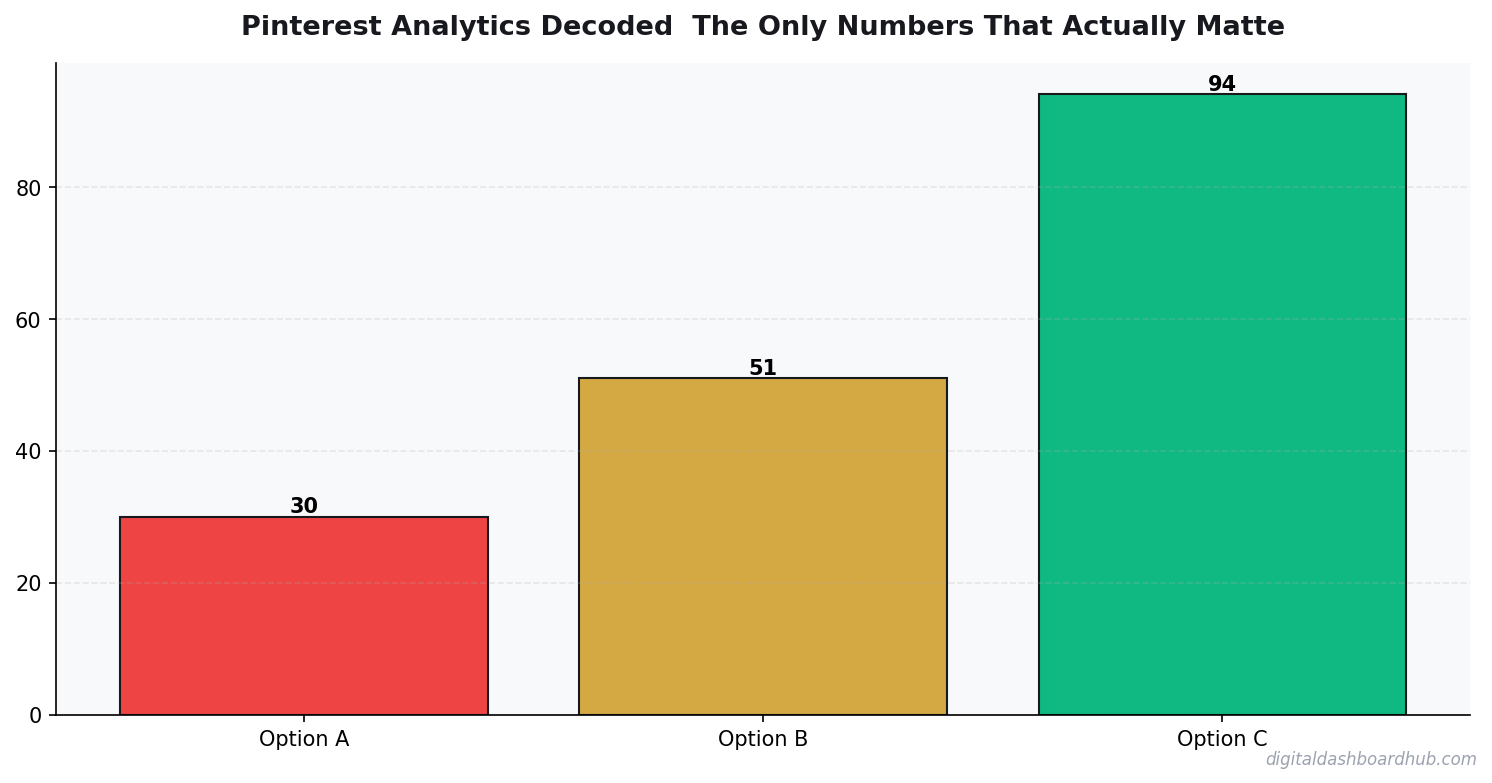
- Outgoing Clicks: Total clicks leading away from Pinterest. This is your traffic volume. Track this weekly and monthly.
- Impressions: Total times your pins appeared. Use this to calculate CTR, but don’t make decisions based solely on this number.
- Engagements: Total saves + comments + shares. This shows how resonant your content is with your audience.
Click on “Pins” to see individual pin performance. Sort by:
- Outgoing Clicks (highest to lowest) – See which pins are your revenue drivers
- Click-Through Rate (highest to lowest) – See which pins are most persuasive
- Saves (highest to lowest) – See which pins have staying power
For digital product sellers, I recommend creating a tracking system using a spreadsheet like Content ROI Tracker | Google Sheets Analytics Dashboard. Log your pin metrics weekly and note which products they promote. This helps you connect Pinterest activity directly to your actual Etsy sales.
Identifying Winners vs. Underperformers: The Math You Need
Not all pins are created equal. Here’s how to identify your winners:
-
Outbound clicks: 50+ per month
-
CTR: 2% or higher
-
Saves: 50+ per month
-
Close-ups: 300+ per month
-
Outbound clicks: Under 20 per month
-
CTR: Below 1%
-
Saves: Under 20 per month
-
Close-ups: Under 150 per month
-
Give underperformers 2-3 weeks to gather data, then either repin with optimizations or retire the design
-
Invest resources (repins, scheduling, promotion) into winners
-
Test winning designs against new variations to find incremental improvements
Seasonal Trends: When Pinterest’s Buying Intent Peaks
Pinterest isn’t a year-round flat platform. Search volume and buying intent surge around specific seasons. Time your digital product promotions strategically:
New Year (January): Goal-setting, productivity, planning
- Promote: planners, journals, goal-tracking templates, productivity systems
- Pin strategy: Use words like “2026 goals,” “new year planning,” “productivity hack”
Tax Season (January-April): Financial organization, small business tools
- Promote: business templates, invoice generators, financial trackers
- Pin strategy: Emphasize organization, tax deductions, business growth
Back-to-School (July-August): Organization, learning systems, content creation prep
- Promote: classroom templates, teacher resources, student planners, content calendars
- Pin strategy: Target both teachers and content creators preparing for fall
Wedding Season (March-June, September-October): Planning, organization, design
- Promote: wedding planning templates, vendor trackers, design assets
- Pin strategy: Use wedding-specific terminology in descriptions and board names
Holiday Season (September-December): Gift guides, year-end planning, gratitude
- Promote: gift guides (if applicable to your products), year-end templates, reflection journals
- Pin strategy: Create seasonal gift guide pins that showcase multiple products
Use Social Media Content Calendar Google Sheets | Content Planner ROI Tracker to plan your pin schedule around these seasonal peaks and ensure you’re promoting the right products at the right time.
Pinterest SEO: Why Keywords Matter More Than You Think
Pinterest functions like a visual search engine. Your keywords directly impact discoverability—and ultimately, your revenue.
Include your target keywords naturally. For digital products, this might be “Etsy seller inventory tracker” or “printable wedding planner template.” Pinterest’s algorithm uses this text to surface pins in relevant searches.
Create boards with keyword-rich names. Instead of “My Templates,” try “Printable Etsy Seller Templates” or “Small Business Planning Tools.” People actually search for these board names.
Always add alt text to your pins. This helps Pinterest understand what your pin depicts and improves searchability.
After 2-3 weeks of using new keywords, check your analytics for increases in impressions and outbound clicks. Double down on keywords that work.
The Pinterest-to-Etsy Sales Funnel: How People Actually Buy
Understanding the full customer journey helps you optimize at each stage:
Someone searches “digital product template” on Pinterest. Your pin appears because you’ve optimized keywords and it has high engagement signals. They click to view the full pin.
Your pin is visually compelling enough that they expand it to see details. The copy clearly communicates what they’re getting and why they need it.
The close-up leads to a click. They leave Pinterest and land on your Etsy listing page.
They read your description, see your reviews, and decide your digital product solves their problem. They buy.
The stronger you are at stages 1-3 (all measurable in Pinterest Analytics), the higher your conversion rate at stage 4.
Pro tip: Use Pinterest Analytics Dashboard Google Sheets | Pin Performance Tracker to track which specific pins drive the most clicks. Then check your Etsy shop stats to see if those high-traffic pins also drive the most conversions. Some pins might drive traffic that doesn’t convert—those need copy refinement.
Building a Tracking System: Connect Pinterest Activity to Revenue
This is where most sellers fail. They see traffic from Pinterest but have no idea which traffic actually converts.
Here’s the system:
Add campaign parameters to your Etsy link. For example:
https://www.etsy.com/listing/12345?utm_source=pinterest&utm_medium=social&utm_campaign=goal-planner
Use a free URL shortener (like Bitly) to shorten this for your pin description.
Each pin should have a unique campaign code based on the product and season. This lets you track which pins drove traffic to which listings.
Etsy tracks traffic source in your stats dashboard. Check weekly to see:
- How many visitors came from Pinterest?
- What’s your conversion rate from Pinterest traffic?
- Which listings get the most Pinterest traffic?
Create a tracking system (tools like Content ROI Tracker | Google Sheets Analytics Dashboard exist specifically for this) with columns for:
- Pin ID
- Product URL
- Date pinned
- Pinterest clicks (from analytics)
- Etsy conversions (from shop stats)
- Conversion rate %
- Revenue attributed
This spreadsheet becomes your decision-making tool. You’ll see exactly which pins and products are profitable, and which are just vanity metrics.
Your Pinterest Analytics Action Plan This Week
- Audit your top 10 pins by outbound clicks. Screenshot their CTR, saves, and close-ups.
- Identify your underperformers (CTR under 1%). Plan to either optimize or retire them.
- Implement UTM tracking on your next 5 pins. Start building your conversion data.
- Check your seasonal alignment. Are you promoting the right products for the current season?
- Set up a tracking system. Start logging pin performance and actual revenue this week.
Ready to Stop Guessing and Start Tracking?
Pinterest analytics is worthless without action. The sellers crushing it aren’t celebrating big impression numbers—they’re obsessing over CTR, outbound clicks, and the revenue those clicks actually generate.
If you’re ready to build a system that connects every pin to actual sales data, grab our free Pinterest Performance Scorecard. It’s a one-page diagnostic that helps you identify which of your pins are truly performing, which need optimization, and exactly what to test next week.
Sign up for our email list and we’ll send it straight to your inbox, plus weekly Pinterest strategy tips tailored specifically for digital product sellers.
You might also find this helpful: Etsy Fees Explained: What You’re Actually Paying and How to Calculate Your Real Profit.
Keep Reading
- Freelancer Finance Management Dashboard (VVS): Finally, a Money Tool Built for Variable Income
- Freelancer Finance Dashboard: Track Income, Taxes, and Cash Flow in One Visual Hub
- A/B Testing Your Etsy Listings: How to Know What’s Actually Working
Keep reading (related guides):

Andy Gaber is the founder of Digital Dashboard Hub, a suite of 255+ interactive financial, productivity, and wellness tools. He built DDH after getting frustrated with financial apps that gave outputs without context. Follow along for tool tutorials, revenue analytics breakdowns, and honest takes on personal finance.