The gap between feeling busy and being profitable is exactly one dashboard. Most solopreneurs and small business owners are tracking vanity metrics while the numbers that actually predict survival and growth sit in an untouched spreadsheet — or worse, nowhere at all.
That’s exactly why I built a profit and loss generator. Not another dashboard full of graphs that look impressive but tell you nothing. A tool that answers one question: is what I’m doing working?
The Real Business Finance Problem Nobody Talks About
Jump in: the tool below is live and free to play with. Upgrade to a dashboard account when you want to save scenarios and track over time.
Here’s the dirty truth about business finance: the people who need it most are the least likely to do it. When you’re running a business, creating content, or managing clients, sitting down to analyze data feels like a luxury you can’t afford.
The Cost of Not Tracking
The average solopreneur loses $3,000-$8,000/year in recoverable revenue because they don’t track the right metrics. That’s not a marketing claim — it’s the gap between what people think they earn and what their bank statements show.
For context on how other creators handle their business finances, check out Profit & Loss Statements Aren’t Scary: A Plain-English Guide for Solo Business Owners.
The 4 Numbers Every Business Finance Owner Needs
1. Revenue per hour worked. Not gross revenue — revenue divided by actual hours. Most solopreneurs discover they’re earning $15-25/hour once they account for admin, marketing, and communication time.
2. Client acquisition cost. How much does it cost you to land a new client? Include ad spend, time spent on proposals, networking hours, and content creation. If this number is higher than your first-project profit, you’re losing money to grow.
3. Profit margin by service/product. Not overall margin — per offering. You’ll almost certainly find that 20% of what you sell generates 80% of your profit. Kill or reprice the losers.
4. Cash runway. How many months can you operate with zero new revenue? If the answer is less than 3, that should be your first fix. Related reading: Jewelry Business Profit Margins: What Owners Actually Take Home (2026).
How the DDH Profit And Loss Generator Works in Practice
Here’s what tracking business finance looks like when the tool is built for people who are too busy to track.
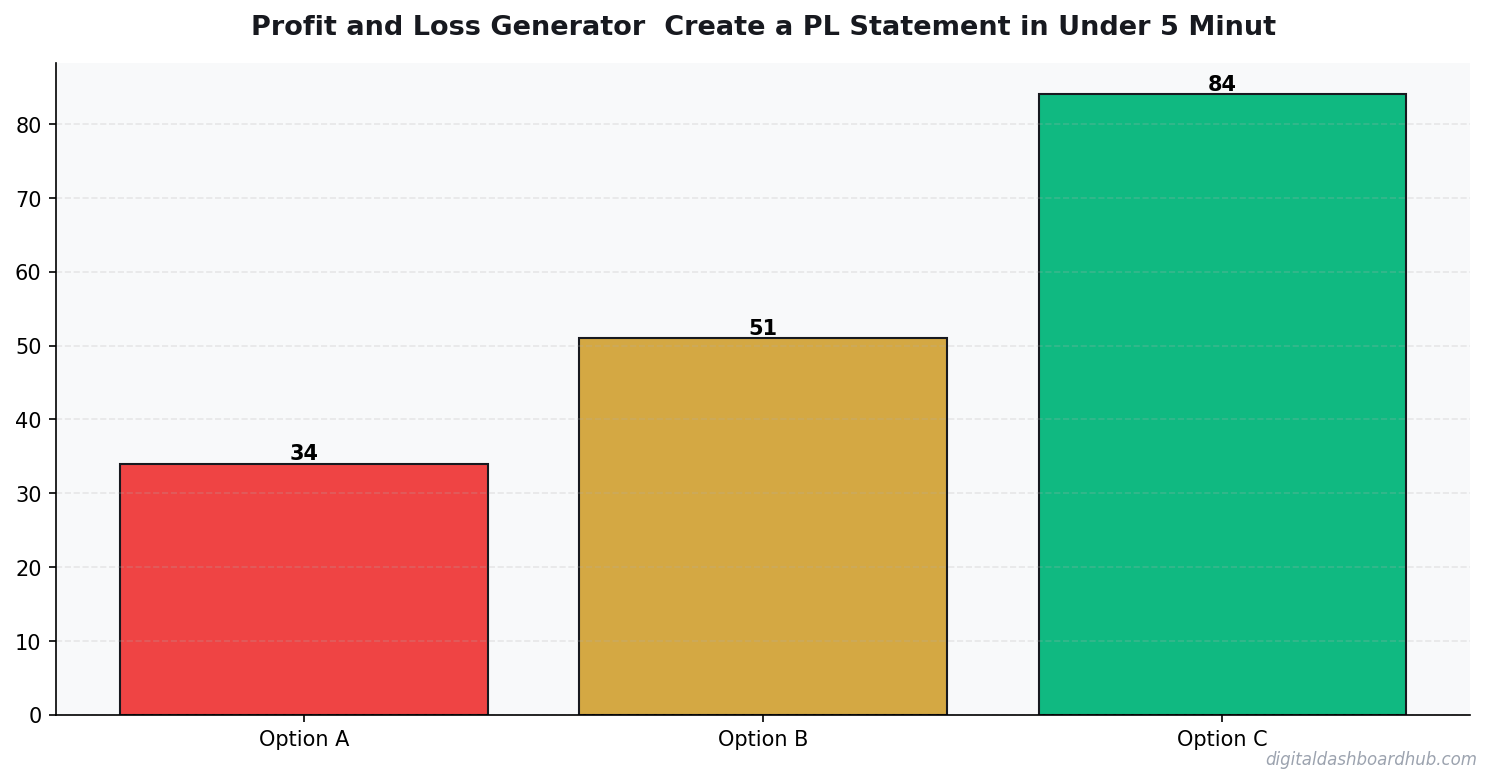
Step 1: Input your key data points. The tool is pre-configured for the metrics that matter for your business type — no custom formula building, no spreadsheet formatting headaches.
Step 2: See your numbers visualized instantly. Color-coded indicators show what’s healthy (green), what needs attention (yellow), and what’s actively costing you money (red). No interpretation needed.
Step 3: Get actionable insights. The tool doesn’t just show you data — it tells you what to do about it. If your conversion rate dropped, it highlights the specific stage where prospects are dropping off.
The feature that justifies the whole tool: the weekly health score. One number, 0-100, that tells you whether your business is trending up or down. Checking one number takes 10 seconds. That’s sustainable even on your busiest week.
If you want to see your numbers: Try the Profit And Loss Generator free for 14 days → No credit card. One of 255+ tools built for creators, freelancers, and small business owners.
Business Finance Tools Compared
| Feature | Spreadsheets | Enterprise Tools | DDH Dashboard |
|---|---|---|---|
| Setup time | 3-10 hours | Days-weeks | 60 seconds |
| Built for solopreneurs | If you build it | No (team-focused) | Yes |
| Cost | Free (your time) | $50-300/mo | Free trial |
| Actionable insights | You interpret | Overload | Built-in |
FREE BONUS: Weekly Business Health Check Template
The exact 5-minute checklist I use every Monday to know if my business is growing or bleeding. One page, printable.
A Real P&L: Coffee Cart Side Business
Here’s what a simple P&L actually looks like for a weekend coffee cart doing $2,800/month in revenue:
Revenue: $2,800
Cost of goods (coffee, cups, milk, supplies): $840 (30%)
Labor (one part-time helper, 2 weekend days): $320
Permit + insurance + parking fees: $210
Equipment depreciation (spreading $4,200 cart over 36 months): $117
Net operating profit: $1,313
That’s a 47% net margin — genuinely strong for a food business. But the owner didn’t know that until she built a P&L. She’d been eyeballing her bank account and assuming she was “doing okay.”
The #1 Mistake People Make on Their P&L
Forgetting owner compensation. If you work in the business and don’t pay yourself a salary, your P&L looks amazing — because you’re hiding the biggest cost. A profitable business on paper but zero pay to the owner is not a profitable business. It’s a job that’s lying to you.
The fix: add a “owner compensation” line item at a realistic market rate for the work you do, even if you haven’t actually been paying yourself that. This gives you an honest picture of whether the business model actually works — or whether you’re subsidizing it with your own time.
How Often Should You Update Your P&L?
Monthly, minimum. Quarterly if you’re just starting out. The value of a P&L isn’t a single snapshot — it’s the trend. Revenue up 12% month-over-month while COGS stays flat? That’s leverage. Revenue up but profit flat? Something in your cost structure is growing with revenue. That’s a problem worth catching in month 3, not month 14.
Five minutes at the end of each month keeps you ahead of problems that would otherwise compound silently for quarters.
Reading Your P&L Like a Business Owner, Not a Bookkeeper
The goal isn’t to produce a clean document — it’s to find the number you need to act on. Every P&L has a story. Revenue growing while margins compress tells you your cost structure is outpacing your pricing power. Revenue flat while profit improves tells you you’ve gotten leaner. Revenue and profit both declining is the only genuinely urgent story, and even then, knowing which line is the culprit tells you where to cut first.
Run your P&L with fresh eyes once a month and ask one question: what would I do differently if I saw this for the first time? That slight distance from the numbers is where the useful insights live.
Your P&L is only as useful as your commitment to running it consistently. A one-time snapshot tells you where you stand today. Twelve months of monthly P&Ls tell you whether you’re building a real business or just staying busy. The discipline to close your books every month — even when things are going well, especially when they’re not — is what separates owners who make informed decisions from ones who react to surprises.
Keep reading (related guides):
255+ interactive tools for your money, time, and health.
Instant signup · Stripe-secure · Cancel in one click
Your Next Move
Right now (2 minutes): Calculate your revenue per hour. Take last month’s revenue and divide by total hours worked (including admin, marketing, client communication — everything). That number will probably surprise you.
This week: Identify your most and least profitable offering. Most businesses have at least one service or product that’s secretly losing money.
The long play: Set up the DDH Profit And Loss Generator. 60 seconds to start, 14 days free. Get a weekly health score for your business instead of guessing. There are 255+ tools in the platform — explore the ones that match your business model.
Questions people ask before using this tool
What overhead costs do new Profit and Loss owners forget?
Insurance renewals, software subscriptions, vehicle depreciation, phone and merchant fees, and the hours you spend on admin instead of billable work. A realistic Profit and Loss budget assumes 25-40% overhead against revenue — not the 10% most new operators plug in.
How should I set prices for a Profit and Loss in 2026?
Price off delivered value, not competitor averages. Add up your real cost per job (time + supplies + vehicle + overhead allocation), mark up 2x to 3x, then sanity-check against what your highest-paying 20% of customers actually pay. Calculators like this one are where most operators find out they are leaving 15-25% on the table.
How long before a new Profit and Loss business breaks even?
Service-based Profit and Loss operations typically break even in 3-9 months if startup costs stay under $10K. Equipment-heavy setups push that to 12-18 months. The variable that matters most is not revenue — it is whether you charge enough from week one to cover overhead while you grow.
Is it worth running a Profit and Loss as a side hustle before going full-time?
For most people, yes. A side-hustle ramp lets you pressure-test pricing, referrals, and operations without the mortgage-level risk. The calculator can show you what weekly client counts you need to match your day-job income — hit that number for 90 days straight before you quit.
How many clients does a Profit and Loss need to hit six figures?
It depends on average ticket size. At a $90 average price, you need roughly 22 clients per week to clear $100K in annual revenue before expenses. At $250 average, about 8 per week does it. The calculator above lets you swap those numbers and see the break-even target for your market.
What is a realistic profit margin for a Profit and Loss business?
Most small Profit and Loss operators land between 15% and 35% net margin. Under 15% usually means underpricing, bloated payroll, or vehicle costs no one tracked. Above 35% usually means either a very lean solo operator or a premium pricing tier the rest of the market has not caught up to yet.
Seven mistakes to avoid with this Profit and Loss tool
- Bundling everything into one package price so customers cannot see the value — itemizing raises perceived worth without changing cost.
- Forgetting to factor vehicle or equipment depreciation into cost per job, which quietly eats 8-12% of every invoice.
- Assuming 50 billable hours a week is normal — the realistic number for solo Profit and Loss operators is 25-35 after admin and travel.
- Pricing off competitor averages instead of delivered value — you copy their margins, including the ones going bankrupt.
- Skipping the ‘worst month of the year’ scenario. Most operators plan around average months and then panic when January arrives.
- Running the numbers once and never updating them. Costs drift up 5-10% a year whether you notice or not; your prices should too.
- Leaving the upsell offer on the wall instead of in a post-service email — the bulk of repeat revenue lives in that 48-hour window.
The operators who compound over 3-5 years are not the smartest ones — they are the ones who update their Profit and Loss numbers every quarter and actually change pricing when the math says to.
When to use this Profit and Loss tool (and when to skip it)
This Profit and Loss calculator earns its keep in three situations: you are pricing a new service tier, you are deciding whether to hire or stay solo, or you are modeling the jump from side-hustle to full-time. In any of those, a 5-minute run of realistic numbers beats two weeks of gut-feel debating.
Skip the tool when: you are in the first 60 days of a new Profit and Loss business and don’t yet have real average prices or client counts — any output will be fantasy. Also skip it for one-off custom jobs that sit far outside your standard service menu; bespoke pricing rarely fits a calculator built for repeatable work. For everything else, run the numbers, write down the inputs that surprised you, and come back to it quarterly.
The operators who get the most value run this calculator on the same day every quarter — the first Monday of January, April, July, and October works well — and compare what changed. After four quarterly runs you have a year of trend data that almost no competitor in your area is tracking, and that is where pricing power quietly compounds.
Profit and Loss quick reference checklist
Use this checklist before you commit — the Profit and Loss numbers only work if the inputs are honest.
- Upsell revenue is tracked separately from core service revenue, so you can see each lever moving.
- The weekly client count is realistic for your area and schedule, not a best-case scenario.
- Seasonal swings are baked in — the ‘worst month of the year’ scenario still clears fixed costs.
- Average ticket price reflects what the top 30% of customers actually pay, not what the cheapest 10% bargain down to.
- Overhead includes insurance, software, vehicle, phone, and merchant fees — not just payroll and supplies.
- The number you would need to walk away from your day job is written down and checked against the tool’s output.
What to do next
Once you have walked the checklist, scroll back up and run your real inputs in the interactive Profit and Loss tool — it takes about 60 seconds. If you want to compare this against the other 254+ calculators, trackers, and planners in the DDH library, the full set lives at app.digitaldashboardhub.com. Free tier covers the core version of every tool; upgrades unlock cross-tool dashboards, scenario saving, and team sharing.
If you are brand new to the DDH toolkit, start with three tools: one that directly serves your primary goal this quarter, one that catches problems before they compound, and one just for fun. That mix prevents the usual fate of productivity tools — great first month, forgotten by month three.
Keep Reading
- Profit & Loss Statements Aren’t Scary: A Plain-English Guide for Solo Business Owners
- Jewelry Business Profit Margins: What Owners Actually Take Home (2026)
- Most Profitable Fitness Business Calculator: 6 Models Compared
- How to Choose the Most Profitable Fitness Business Model (Step-by-Step)
Common Questions About Profit and Loss Generator: Create a P&L Statement in Under 5 Minutes
How long does it take to see results?
Most people see meaningful progress within 30-90 days when they apply these strategies consistently. The key is tracking your numbers from day one so you have a baseline to measure against.
What’s the biggest mistake people make?
Trying to do everything at once. Pick one or two strategies from this guide, implement them fully, then layer in additional tactics. Spreading yourself thin is the fastest way to see no results from any of it.
Do I need special tools or software?
Not necessarily to start — but the right tools eliminate hours of manual work. Our free calculators and trackers at Digital Dashboard Hub are a good starting point before you invest in paid software.

Andy Gaber is the founder of Digital Dashboard Hub, a suite of 255+ interactive financial, productivity, and wellness tools. He built DDH after getting frustrated with financial apps that gave outputs without context. Follow along for tool tutorials, revenue analytics breakdowns, and honest takes on personal finance.