
mortgage-calculator-apps-give-you-a-monthly-payment-and-call-it-a-day”>Most Mortgage Calculator Apps Give You a Monthly Payment and Call It a Day
About this article: I’m Andy, founder of Digital Dashboard Hub. I built DDH’s 255 free interactive tools to solve the specific financial, productivity, and wellness tracking gaps I kept seeing — starting with the problem this article covers. The free tool below is available without signup and works instantly. Try it and see your numbers in real time.
You search “mortgage calculator” on your phone and get 200 results that all do the same thing: input price, down payment, rate, term — output monthly payment. Cool. Except that number tells you almost nothing about the actual cost of buying a home. Property taxes, PMI, insurance, HOA, closing costs, the amortization schedule, extra payment scenarios — these are the numbers that actually matter, and most apps either hide them behind paywalls or don’t include them at all.
Key Difference
What separates a rough guess from an actual plan? Running the math with real inputs.
I downloaded and tested 7 mortgage calculator apps with the same loan scenario ($375,000 home, 10% down, 6.5% rate, 30-year fixed) to compare accuracy, features, and how painful they are to use. Where it gets interesting I found.
The 7 Apps, Ranked
Detailed Breakdown: What Each Does Well (and Poorly)
1. Digital Dashboard Hub Mortgage Calculator
Best for: Full-picture analysis (total cost, not just monthly payment)
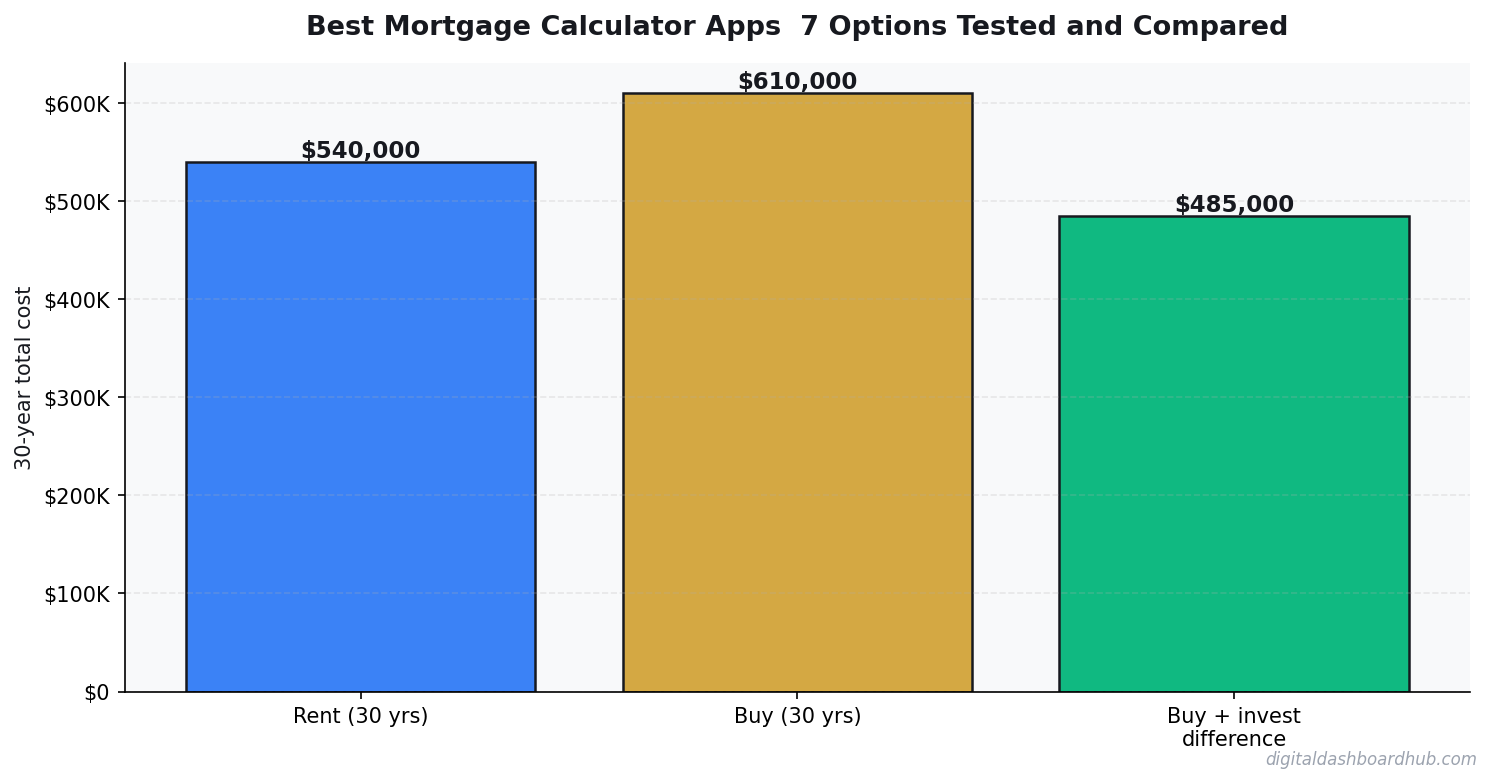
This is the calculator I keep coming back to because it shows the numbers other calculators skip: total interest over the life of the loan, year-by-year amortization, side-by-side comparison of different rates and terms, and the true cost including taxes, insurance, and maintenance. The interface is clean — no ads, no pop-ups asking you to apply for a loan.
Standout feature: The “extra payment” scenario builder. You can model biweekly payments, lump-sum extra payments, or monthly additions and see exactly how many years and dollars you save. Most calculators have this buried; here it’s front and center.
Limitation: Requires a free account for full access to all comparison features.
2. Bankrate Mortgage Calculator
Best for: Quick calculations with rate context
Bankrate’s calculator is accurate and includes property tax and insurance fields. The amortization schedule is solid. However, the page is drowning in ads and “find a lender” prompts — because Bankrate makes money from lender referrals, not from you getting the best deal. The calculation itself is trustworthy; the experience of using it is not.
Standout feature: Current rate integration showing today’s average rates by loan type.
Limitation: Aggressive ad placement makes it hard to focus on your numbers.
3. NerdWallet Calculator
Best for: First-time buyers who want educational context
NerdWallet wraps helpful explanations around each input field, which is great if you don’t know what PMI is or why your down payment percentage matters. The calculator itself is solid but basic — it doesn’t go deep on amortization or extra payment scenarios.
Standout feature: Contextual tooltips explaining each field in plain language.
Limitation: Limited advanced features. No comparison mode.
4. Zillow Mortgage Calculator
Best for: Integrated home shopping
If you’re already browsing homes on Zillow, their built-in calculator auto-fills the home price and estimates taxes and insurance based on the specific property. Convenient, but the estimates are often optimistic — especially on insurance and maintenance costs. Zillow wants you to feel like you can afford the home so you’ll contact their partner agents.
Standout feature: Auto-populated estimates from specific property listings.
Limitation: Cost estimates skew low. Not independent — Zillow profits from your purchase.
5. Karl’s Mortgage Calculator
Best for: Detailed amortization nerds
This thing has been around since the early internet and it shows — the design is from 2005. But the math is impeccable and the amortization table is the most detailed you’ll find. You can model every conceivable scenario. It’s the calculator for people who want to build spreadsheets about their spreadsheets.
Standout feature: Extra payment modeling with per-payment granularity.
Limitation: The UI is painful. Looks like a tax form from 1998.
6. Mortgage Calculator Plus (iOS App)
Best for: Quick mobile calculations
Decent mobile app with a clean interface, but the free version is limited and peppered with full-screen ads. The paid version ($4.99) removes ads and adds comparison features. For a paid app, the features should be deeper — you’re essentially paying to remove ads from a basic calculator.
7. Google’s Built-in Calculator
Best for: Quick sanity check, nothing more
Type “mortgage calculator” into Google and one appears right in the search results. It’s instant, clean, and ad-free. But it only shows monthly payment and a basic breakdown. No amortization, no extra payments, no total cost analysis. It’s the napkin math version — fine for a 10-second estimate, useless for decision-making.
What to Look for in a Mortgage Calculator
After testing all seven, the features that separate useful calculators from toy calculators are:
- Total cost view: Not just monthly payment — total dollars out of your pocket over the loan’s life.
- Amortization breakdown: Year-by-year or month-by-month showing principal vs. interest split.
- Extra payment modeling: How much do you save by paying an extra $200/month or making biweekly payments?
- Side-by-side comparison: Compare 15-year vs. 30-year, or 6.5% vs. 6.0%, on one screen.
- All-in cost: Including property tax, insurance, PMI, and HOA — not just P&I.
- No hidden agenda: Calculators run by lenders or real estate platforms are designed to make you feel like you can afford more. Independent calculators give you the real picture.
255+
Interactive Tools
Available on Digital Dashboard Hub
What to Do Now
- Right now: Run your basic numbers through Google’s calculator for a quick sanity check. If the monthly payment is over 28% of your gross income, you’re probably stretching.
- This week: Use a full-featured mortgage calculator to model the total cost, compare rate scenarios, and see what extra payments save you. This is where the real decisions get made.
- Long game: Before you make an offer on any home, run 3 scenarios: best case (lowest rate you might get), expected case, and worst case (+0.5% rate). If worst case still works, you’re golden.
The difference between a toy calculator and a real one is the difference between “I can afford $2,100/month” and “this house will cost me $758,000 over 30 years.” One of those numbers leads to better decisions. Try the full calculator free.
Keep reading (related guides):
- True Cost of Your Mortgage Calculator: Its More Than the Payment
- Rental Property ROI Calculator: Is This Deal Actually Worth It?
- Wedding Budget Breakdown: Where Every Dollar Should Go (Free Calculator)
- Homeownership vs. Renting for 30 Years: The Complete Financial Comparison
- Bakery Revenue Calculator
255+ interactive tools for your money, time, and health.
Full features for 14 days · Secure payment · Stop anytime
Keep Reading
- Mortgage Comparison Calculator: Compare Rates
- Rent vs. Buy Calculator 2026
- Rental Property ROI Calculator

Andy Gaber is the founder of Digital Dashboard Hub, a suite of 255+ interactive financial, productivity, and wellness tools. He built DDH after getting frustrated with financial apps that gave outputs without context. Follow along for tool tutorials, revenue analytics breakdowns, and honest takes on personal finance.