You’ve been tracking everything in Google Sheets since 2019. Your budget lives in a tab with 47 columns. Your habit tracker is a color-coded grid you manually format every month. Your project list is a spreadsheet that takes 8 seconds to load because it has 14 tabs and 3,000 rows. At some point, your spreadsheet stopped being a tool and became a part-time job.
In This Article
The google sheets vs tracker app debate isn’t about which is “better.” It’s about recognizing when your spreadsheet has outgrown its usefulness — and when a purpose-built tracker saves you hours every week. I’ve been on both sides of this, and the answer isn’t what most productivity gurus tell you.
Where Google Sheets Genuinely Wins
Jump in: the tool below is live and free to play with. Upgrade to a dashboard account when you want to save scenarios and track over time.
Before I talk about alternatives, let me defend spreadsheets. They deserve it.
Total flexibility. A spreadsheet does exactly what you tell it to. No features locked behind a paywall, no “upgrade to Pro to unlock custom fields.” If you can dream it and write a formula for it, it works. Free and familiar. Everyone already knows how to use a spreadsheet. Zero learning curve, zero cost. That matters when you’re bootstrapping or testing an idea. Data portability. CSV export works everywhere. You’re never locked into a platform. Your data is always yours.
For one-off analysis, quick calculations, and ad-hoc data exploration, Google Sheets is still the best tool. Where it falls apart is recurring tracking — the stuff you do daily or weekly for months on end. That’s where the maintenance cost kills you.
The Hidden Time Cost of Spreadsheet Tracking
That’s 1.5 to 3 hours per month you’re spending maintaining a spreadsheet instead of acting on the data inside it. Over a year, that’s 18-36 hours — nearly a full work week — spent on spreadsheet janitorial work. This is the same tax described in the spreadsheets vs. dashboards close look.
🔑 Real talk: the tracking itself changes your behavior. That’s not a bug — it’s the feature.
The Spreadsheet Breaking Points
There are three signals that you’ve outgrown Google Sheets for a specific tracking need:
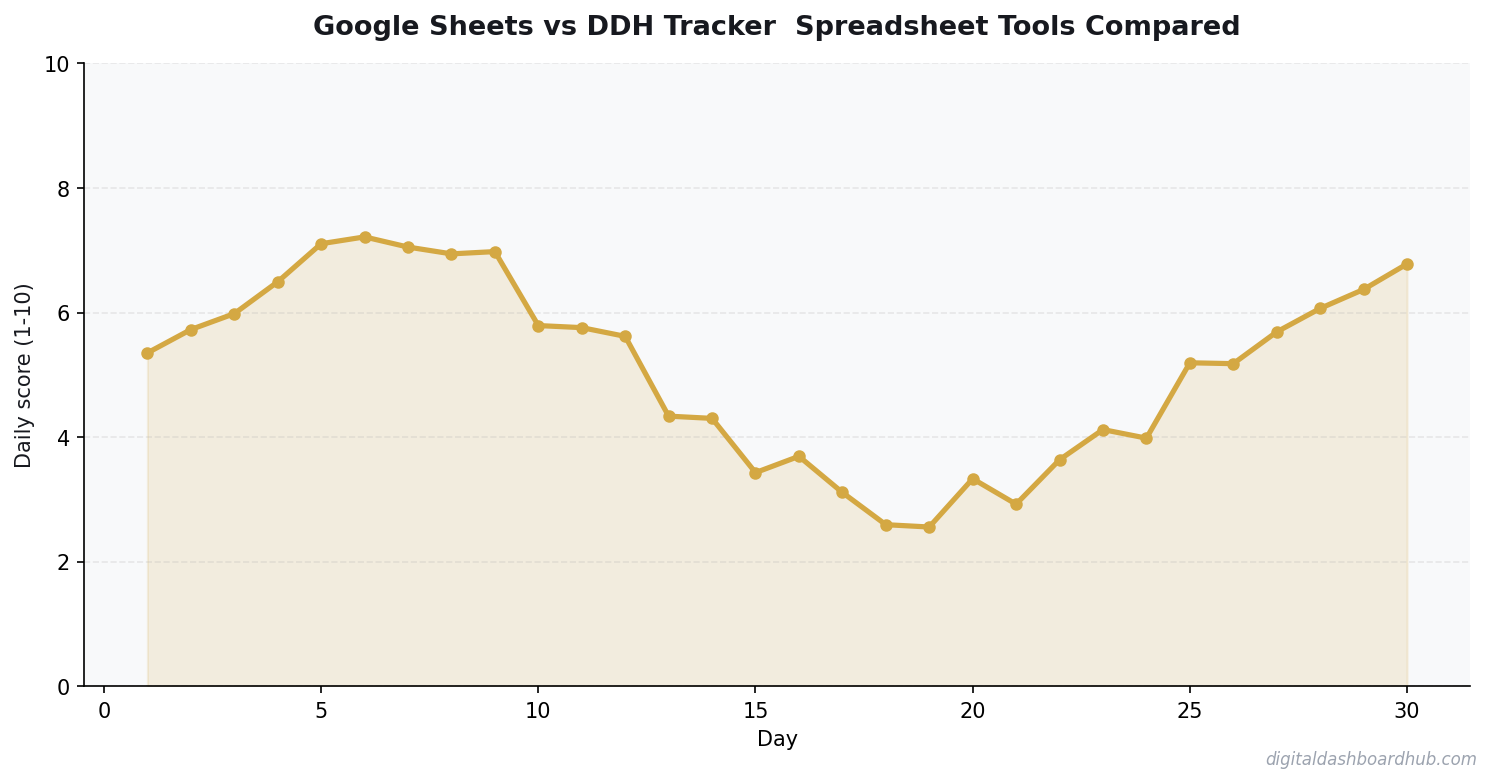
Signal 1: You’re spending more time formatting than analyzing. If you catch yourself adjusting column widths, re-applying conditional formatting, or rebuilding charts more than once a month, the tool is fighting you. Signal 2: You dread opening the file. A 3,000-row spreadsheet with a 6-second load time creates micro-friction that kills consistency. You start “forgetting” to log data because subconsciously, the tool is annoying. Signal 3: You’ve built formulas you no longer understand. That nested IF(VLOOKUP(ARRAYFORMULA you wrote at 11 PM three months ago? Good luck debugging it when it breaks. And it will break.
How the DDH Tracker Dashboard Handles This
DDH trackers are basically what your Google Sheet wants to be when it grows up — the visualization, the data entry, and the analysis all pre-built so you skip straight to the useful part.
Step 1: Pick the tracker that matches your use case. Budget tracker? Habit tracker? Revenue calculator? Each one is an interactive HTML dashboard with the fields, formulas, and visualizations already built. No template setup, no formula writing.
Step 2: Enter your data. The interface is designed for speed — large input fields, clear labels, auto-calculations. Daily data entry takes 30 seconds to 1 minute versus the 3-5 minutes of navigating to the right cell in a spreadsheet, making sure you’re in the right row, and checking that the formula didn’t break.
Step 3: The dashboard updates instantly. Charts, trend lines, completion percentages, summary stats — all auto-generated. No chart wizard, no “select data range,” no “why is this axis showing dates as numbers.”
The part that sold me: the elimination of monthly maintenance. My budget spreadsheet required 20 minutes at the start of every month to duplicate the template tab, update the date references, reset the running totals, and fix whatever formula broke during the copy. The DDH dashboard does this automatically. I haven’t thought about template maintenance in 4 months. The expense tracker comparison breaks down more tools in this category.
Try DDH trackers free — pick the one that replaces your most annoying spreadsheet.
When to Keep Your Spreadsheet (Seriously)
Don’t migrate everything. Some things genuinely belong in Google Sheets:
One-time calculations. Running a mortgage comparison? Modeling a business scenario? Quick math that you’ll do once and reference occasionally? Spreadsheet. Collaborative data entry. If 5 people need to edit the same dataset simultaneously, Google Sheets’ real-time collaboration is still hard to beat. Highly custom analysis. If your tracking needs are so specific that no pre-built tool covers them, a spreadsheet’s flexibility is the right call. Don’t force a square peg into a round hole.
The variable expense tracking guide shows a good example of when a purpose-built tool beats a spreadsheet — irregular income and expenses are a nightmare to template in Sheets. And for financial planning specifically, the 50/30/20 budget approach works better with a dedicated calculator than a DIY spreadsheet.
34%
increase in goal achievement when using visual progress indicators
The Migration Strategy (Don’t Do It All at Once)
If you’re convinced, don’t try to migrate 14 spreadsheets in one weekend. That’s how you end up with two broken systems instead of one working one.
Week 1: Identify your most-used spreadsheet — the one you open daily. Migrate that single use case to a dedicated tracker. Keep the spreadsheet as backup. Week 2-3: Use both in parallel. If you naturally stop opening the spreadsheet, the tracker won. If you keep going back to Sheets, maybe that use case is better served there. Week 4: Archive the spreadsheet (don’t delete it — just move it to a “retired” folder) and commit to the tracker.
The 3-Minute Action Plan
Right now (2 min): Open your most-used Google Sheet. Time how long it takes to load. Count how many tabs you haven’t touched in 30+ days. That’s your complexity tax.
This week: Pick ONE spreadsheet that frustrates you most.
Key Takeaways
- Your patterns are unique — don’t rely on averages or others’ experiences
- The tracking itself changes behavior, even before you act on insights
- Share your data with professionals to get more targeted advice
Find the DDH tracker equivalent and try running them side by side for 5 days.
Long game: Sign up for DDH free and migrate your daily-use tracking one sheet at a time. By month 3, you’ll have reclaimed hours of spreadsheet maintenance without losing any data.
Keep reading (related guides):
- How Much Does Therapy Cost in 2026? A State-by-State Breakdown
- Free ADHD Impulse Spending Tracker — Try It Now
- I Tracked My Sleep and Anxiety Together: The Connection Was Undeniable
- Free Eczema Skin Health Tracker: Log Symptoms and Spot Patterns Fast
- Etsy Seller Revenue Calculator: Project Your Monthly Shop Income
255+ interactive tools for your money, time, and health.
Instant signup · Stripe-secure · Cancel in one click
Continue Learning
- Spreadsheets vs. Dedicated Dashboards: The Full Comparison
- I Tested 9 Expense Tracker Apps for 3 Months
- How to Track Variable Expenses

Andy Gaber is the founder of Digital Dashboard Hub, a suite of 255+ interactive financial, productivity, and wellness tools. He built DDH after getting frustrated with financial apps that gave outputs without context. Follow along for tool tutorials, revenue analytics breakdowns, and honest takes on personal finance.